

About the Main Unit
About the built-in battery
About battery lifespan
The main unit contains a built-in lithium-ion battery. The battery can be charged and discharged about 500 times. However, this varies greatly depending on the usage environment and usage time. If usable time decreases significantly, the battery may have reached the end of its life, so please contact BALMUDA Support Center.
About disposal of rechargeable batteries in Japan
The rechargeable battery built into the main unit can be recycled. Please do not remove this built-in battery yourself; contact BALMUDA Support Center.
About main unit errors
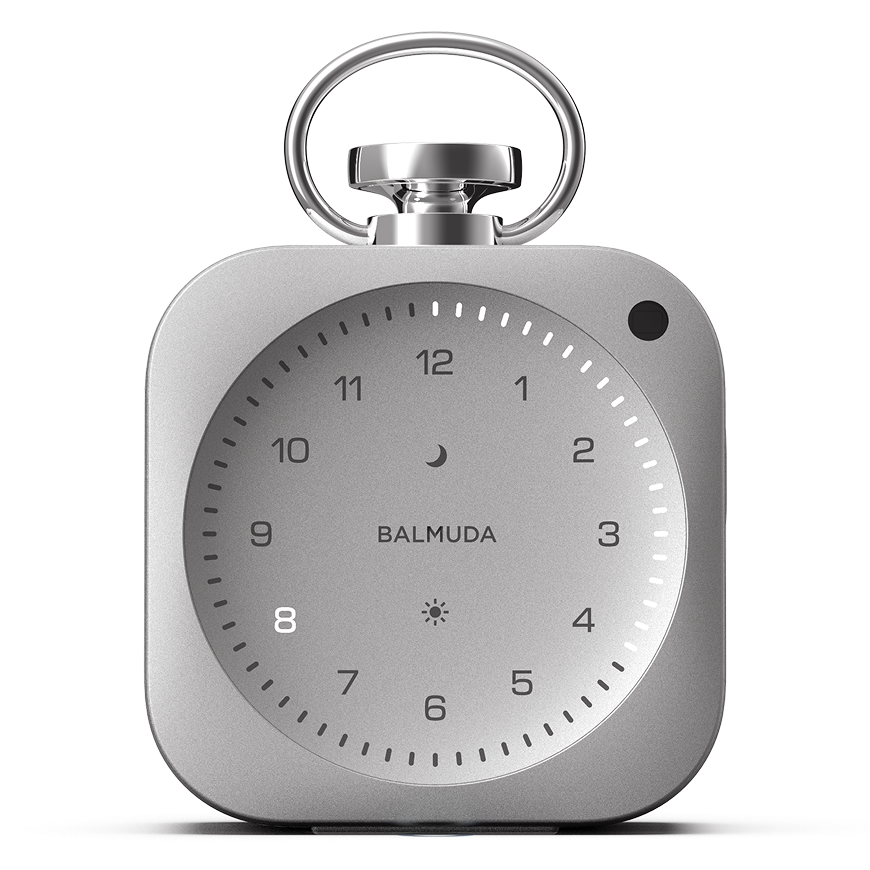
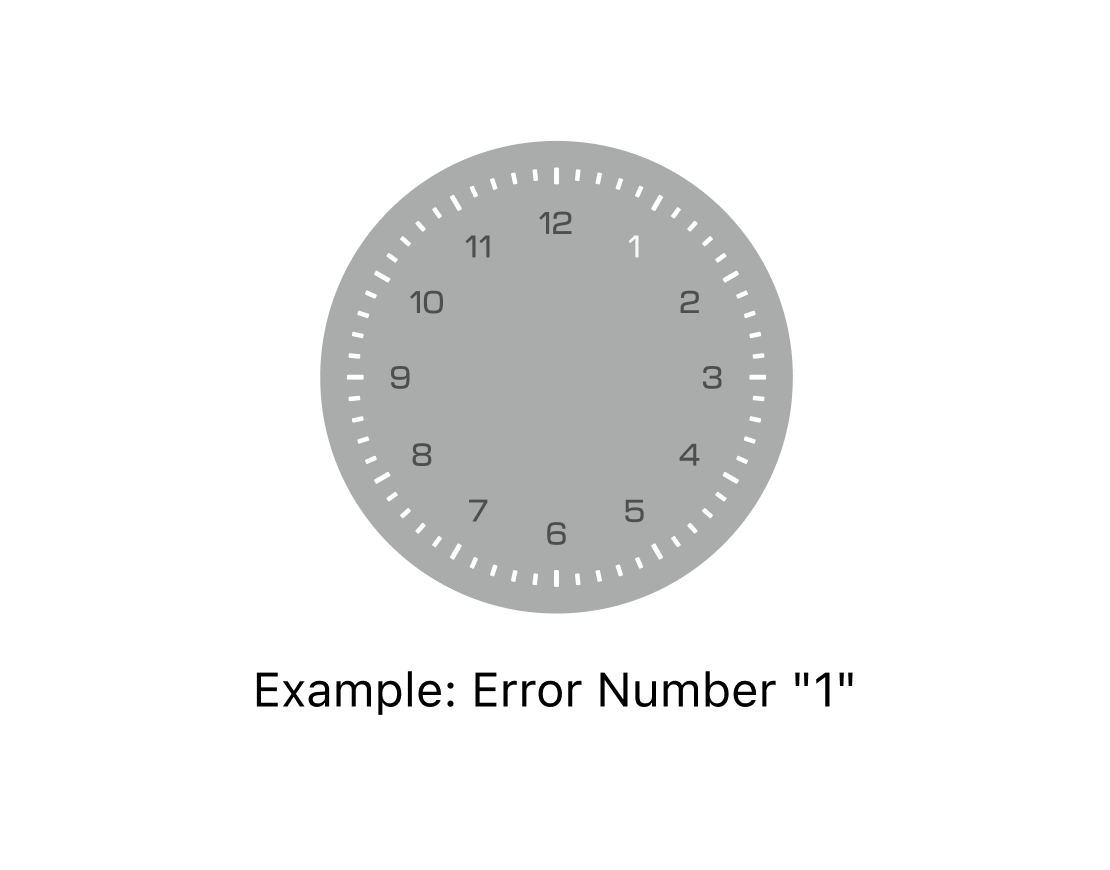
If an error occurs in the main unit, all Minute LEDs will pulse, and an error number corresponding to the issue will turn On. Do not resume operation. Record the displayed error number and contact BALMUDA Support Center.
How to reset the main unit
Erasing all settings (initialization)
To initialize all saved settings, with the power off, press and hold the Moon button, Sun button, and Side button simultaneously for at least 10 seconds. When the reset starts, you will be notified by sound and light, and the power will turn off when the reset is complete.
Initialization does not change the software version.
If you turn the power on after initialization, the time is set to 8:20 AM.
Software update
Software updates are provided through the BALMUDA Connect app. To perform a software update, the following conditions must be met:
- The BALMUDA Connect app is linked with The Clock
- Wi-Fi connection settings are completed in the BALMUDA Connect app
- You are in an environment where the configured Wi-Fi can be accessed
- The Clock main unit has more than half of its battery charge remaining
- The Clock device is connected to a USB power cable
How to check for software updates
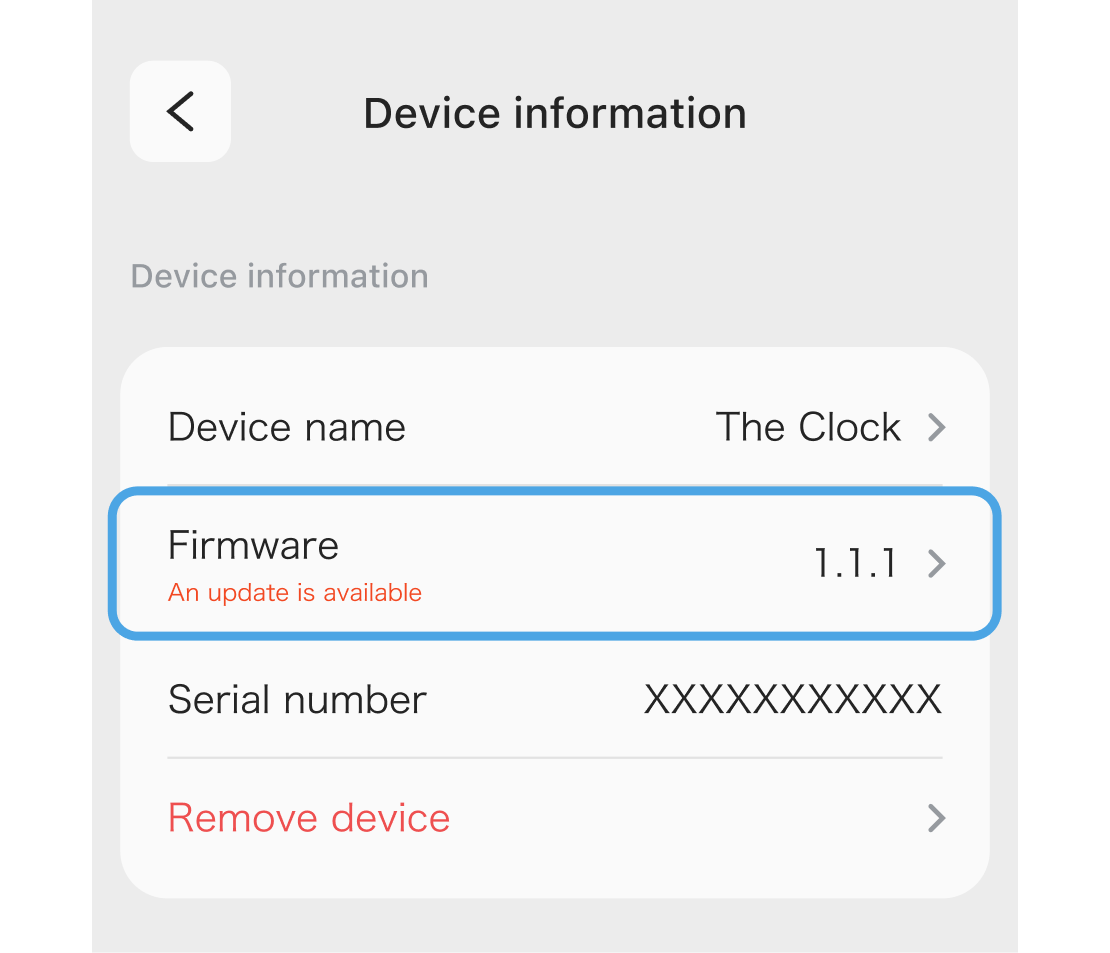
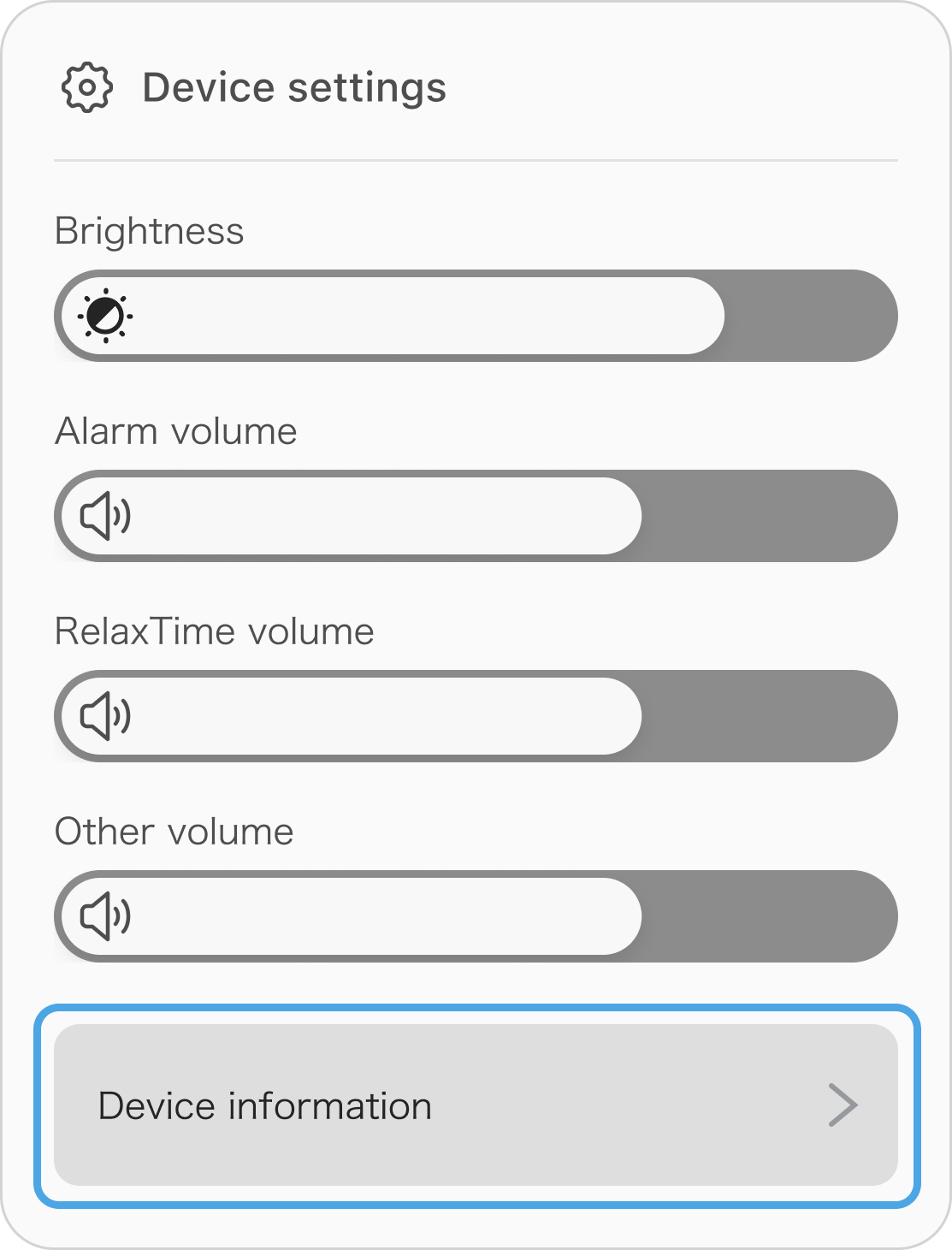
To check The Clock’s software update, choose The Clock from the product list in the BALMUDA Connect App, then tap “Device information.”
If an update is available, “An update is available” will be displayed under “Software” in “Device information.” Tap the item to update the software.