
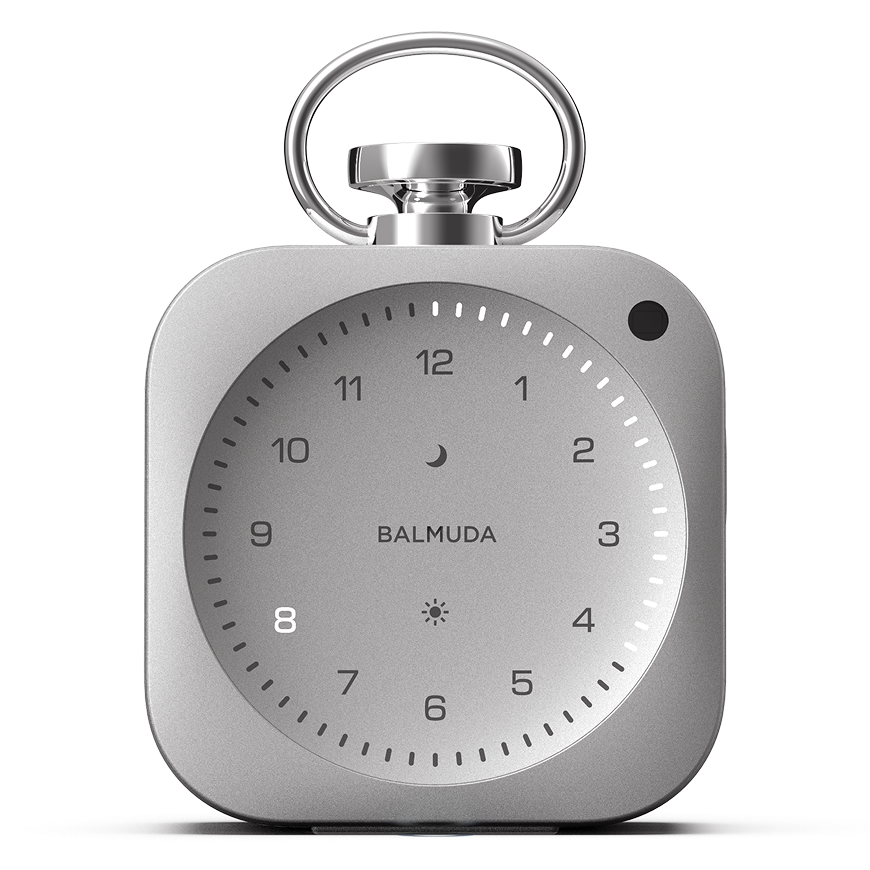


Relax Time
This function creates a calming space with comfortable sound and light.
Turning On/Off Relax Time sound
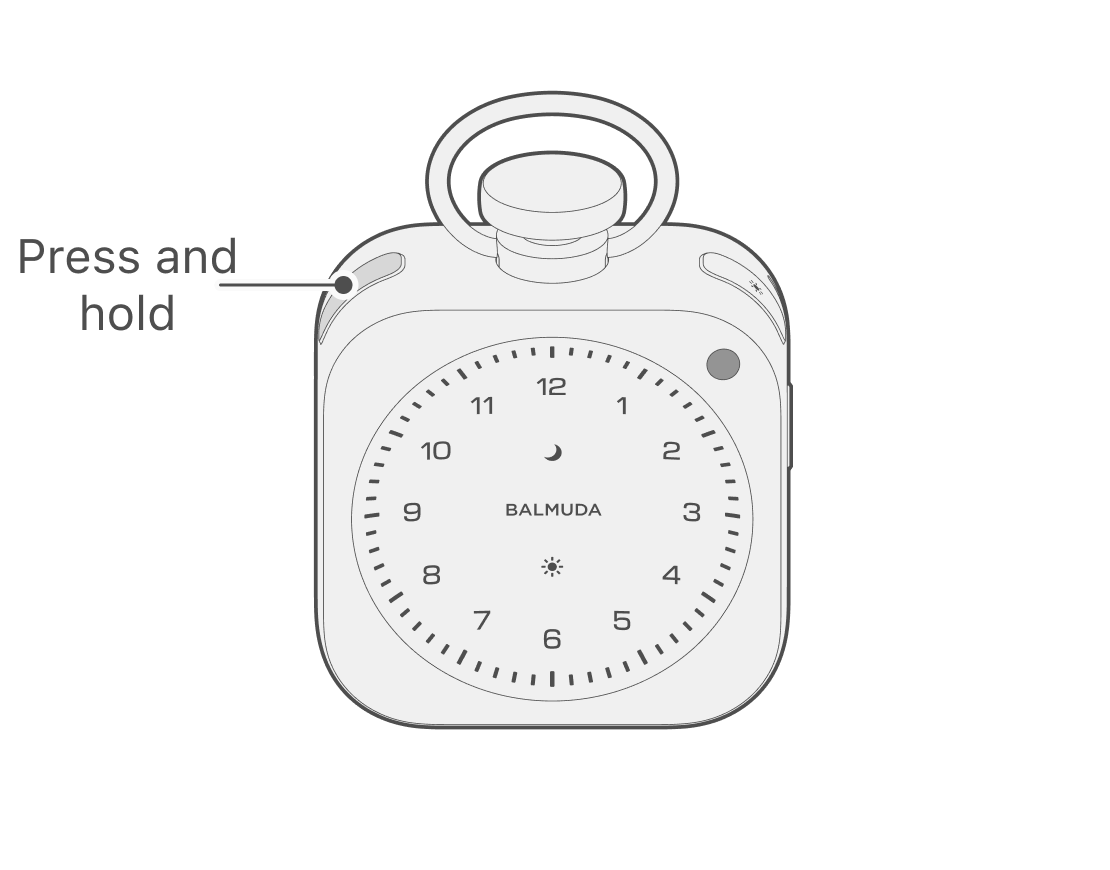
From the clock display, press and hold the Moon button to play Relax Time. To stop it, press and hold the Moon button. If an Alarm is set, it will stop automatically before the alarm starts.
Switching the Relax Time display
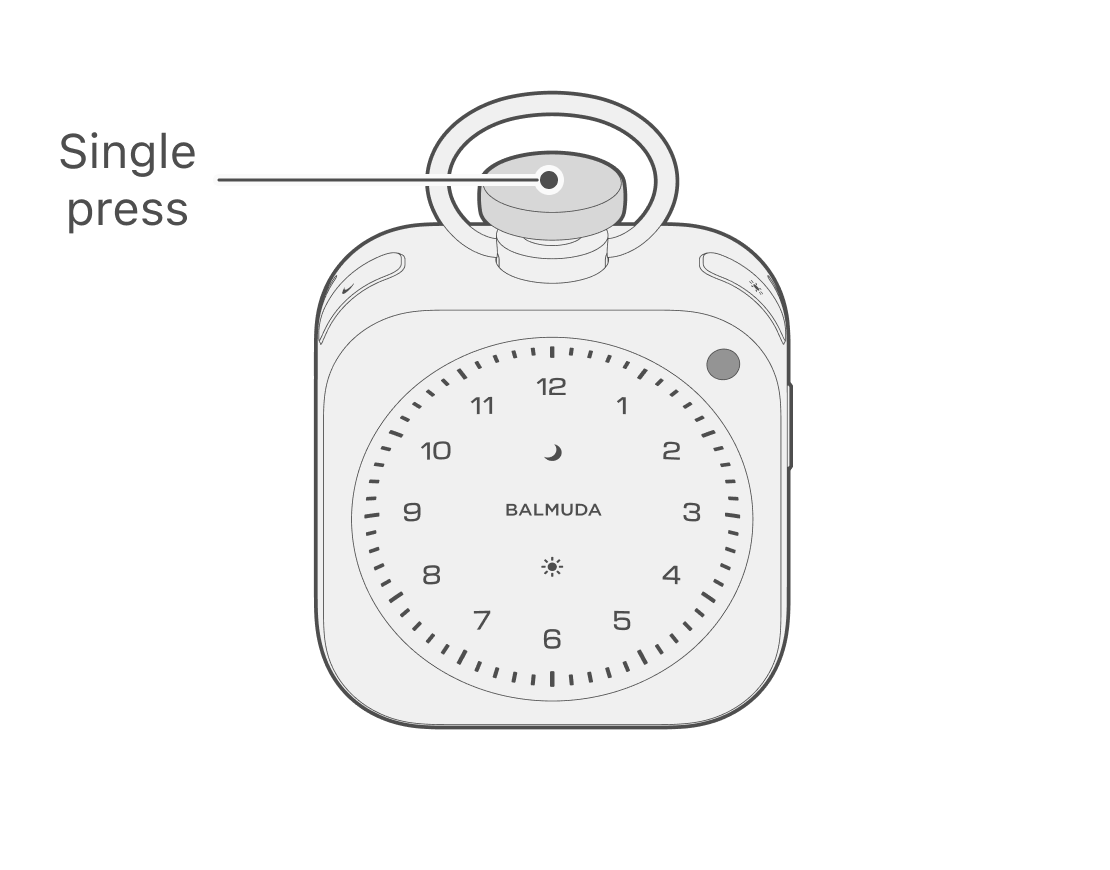
While Relax Time is on, each press of the Crown switches the time display.
Adjust volume
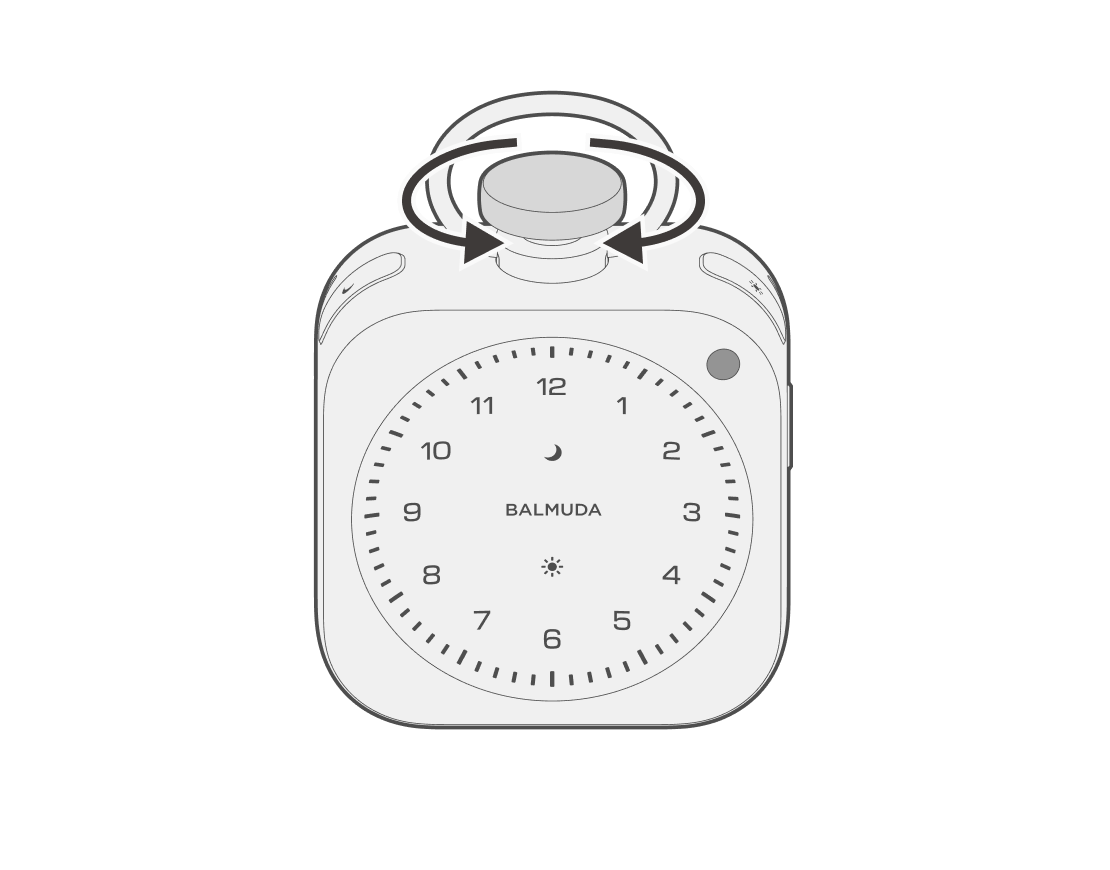
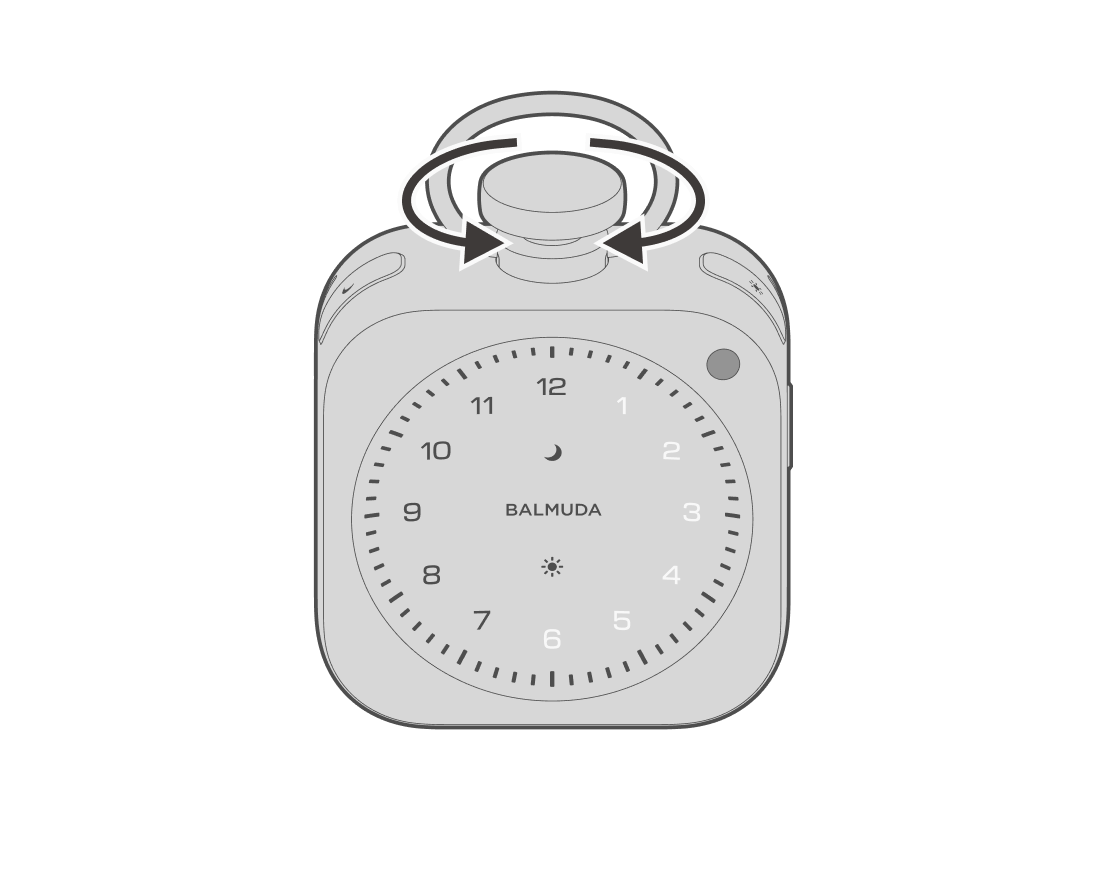
While Relax Time is on, turn the Crown clockwise to increase the volume, or counterclockwise to decrease the volume.
Selecting the sound on the main unit
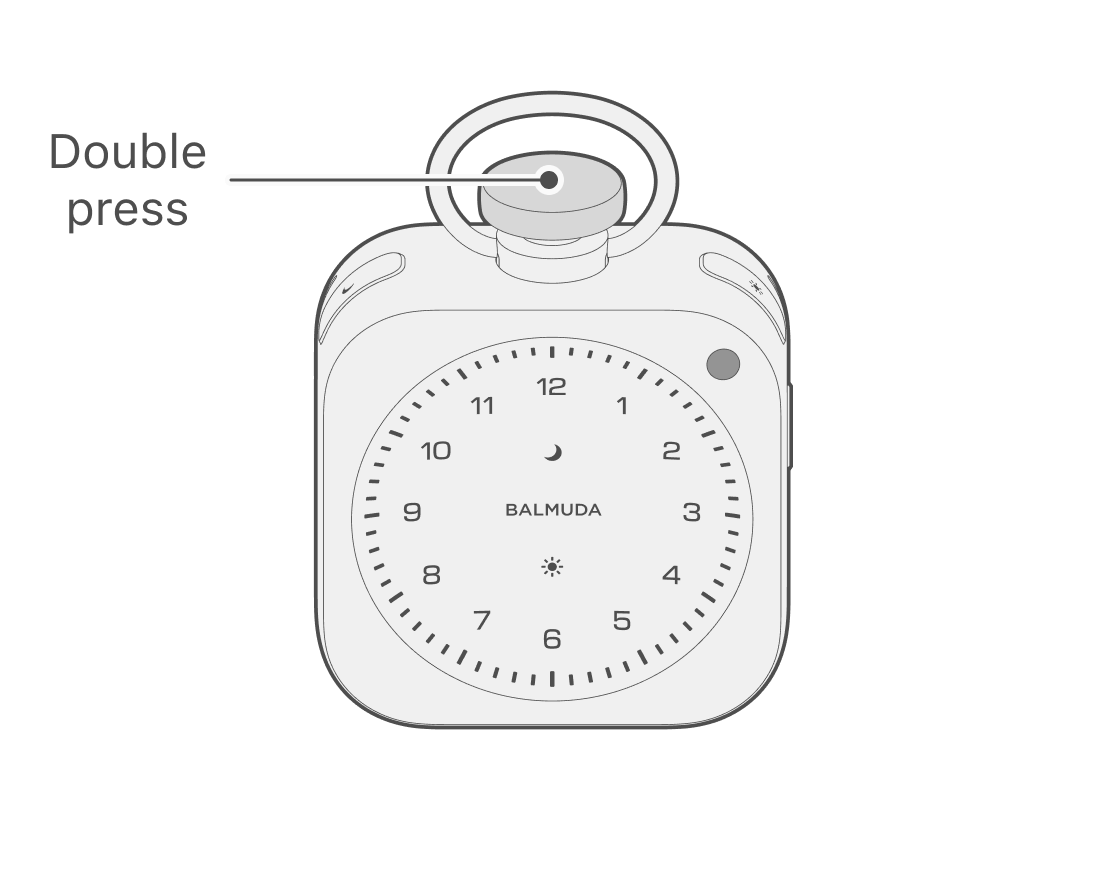
While Relax Time is on, press the Crown twice to enter the sound setting mode. You can select from 6 types; turn the Crown to select while previewing the sound. With a sound selected, press the Crown once to confirm the sound and return to Relax Time.
Sound list
- Long Rain
- Infinity Boat
- White Noise #1
- Departure
- Lodge
- Morning Forest
Selecting a sound in the App
On the main screen, tap the Relax Time sound button to open the sound selection screen.
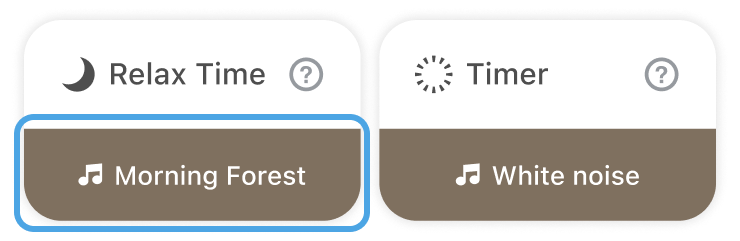
You can select a sound and preview it in the App.
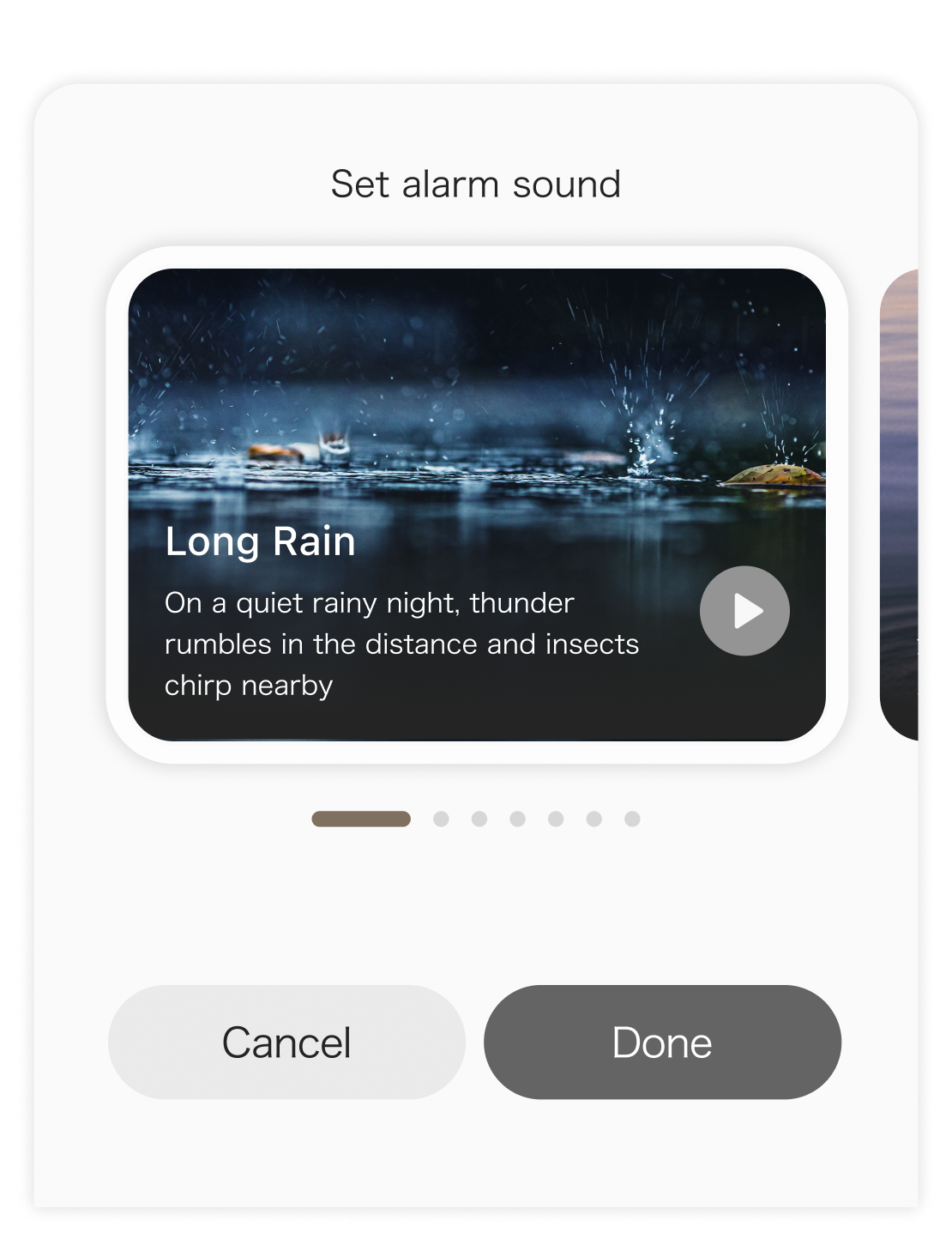
Playback Duration Settings
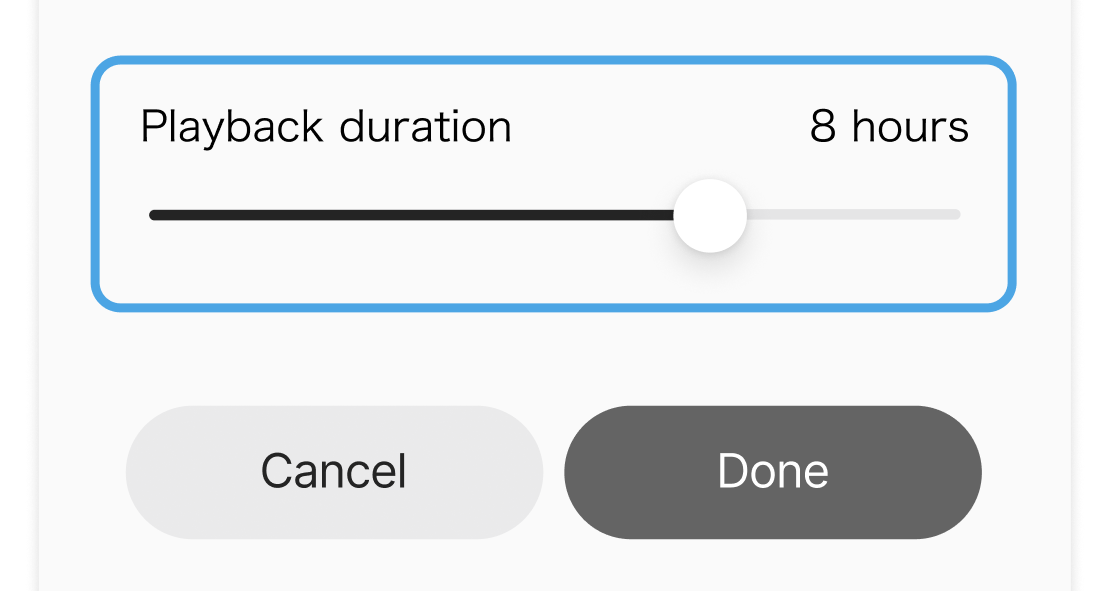
You can set this from “Playback duration” on the app’s “Select sound” screen. You can set a duration of up to 12 hours.
This feature can only be configured when using an app and The Clock that support the versions below.
Device software version: 1.1.1 or later
App version: 1.3.2 or later