

Alarm
Alarm function
This is an alarm mode that lets you wake up with comfortable sound and light.
2-stage alarm operation
To help you wake up comfortably, the Alarm operates in two stages.
Starting 3 minutes before the set wake-up time, a comfortable Fade-in sound plays.
While the Fade-in sound is Playing, press the Crown once to mute it until the wake-up time; press and hold to turn the Alarm Off.
The default setting for Fade-in sound is On. You can disable it only from the App.
At the wake-up time, the clock face lights up along with the alarm sound. While the alarm sound is Playing, press the Crown once to snooze; press and hold to cancel the Alarm.
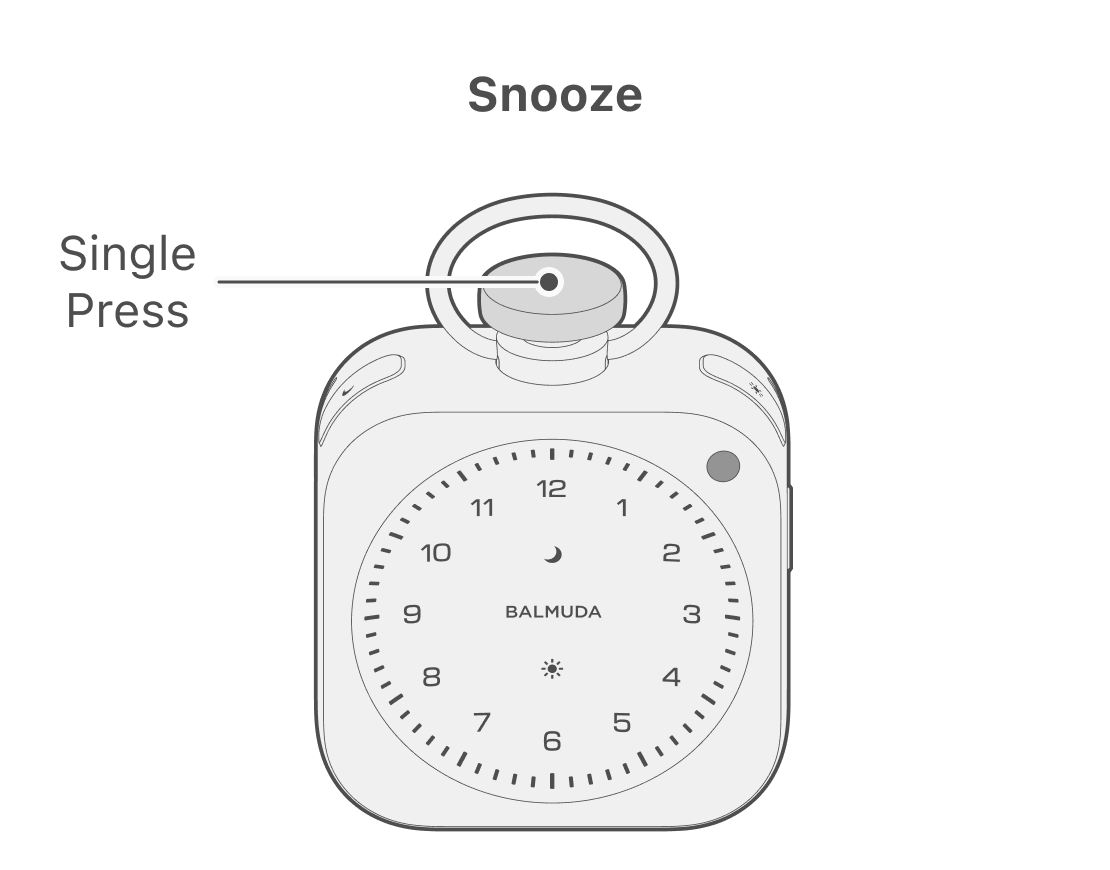
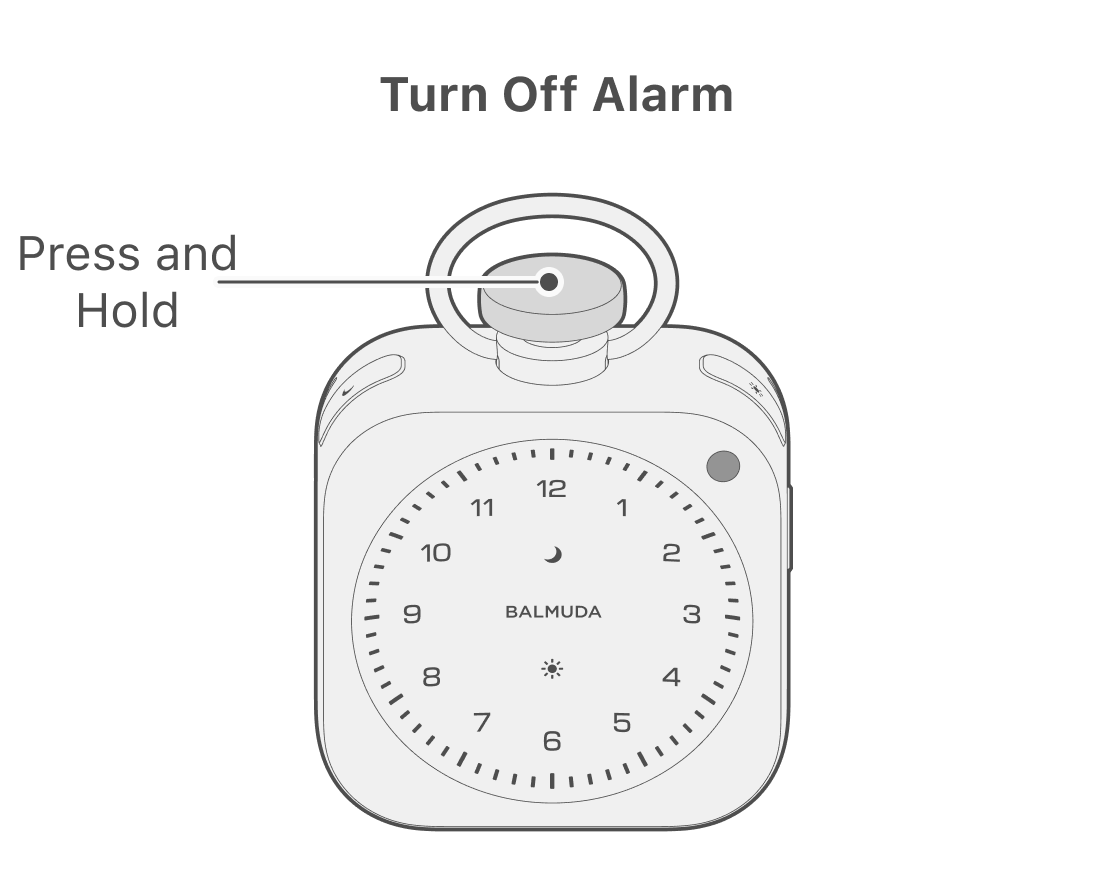
When Snooze is active, the clock face remains in the alarm display and stays muted. After 9 minutes, the alarm sound resumes. In Snooze mode, press and hold the Crown to cancel the Alarm; the Sun LED turns Off and the display returns to the clock.
When the Sun LED is lit, the Alarm is On.
Adjust volume
While the alarm sound is on, you can adjust the volume by turning the Crown. Turn the Crown clockwise to increase the volume, and counterclockwise to decrease it.
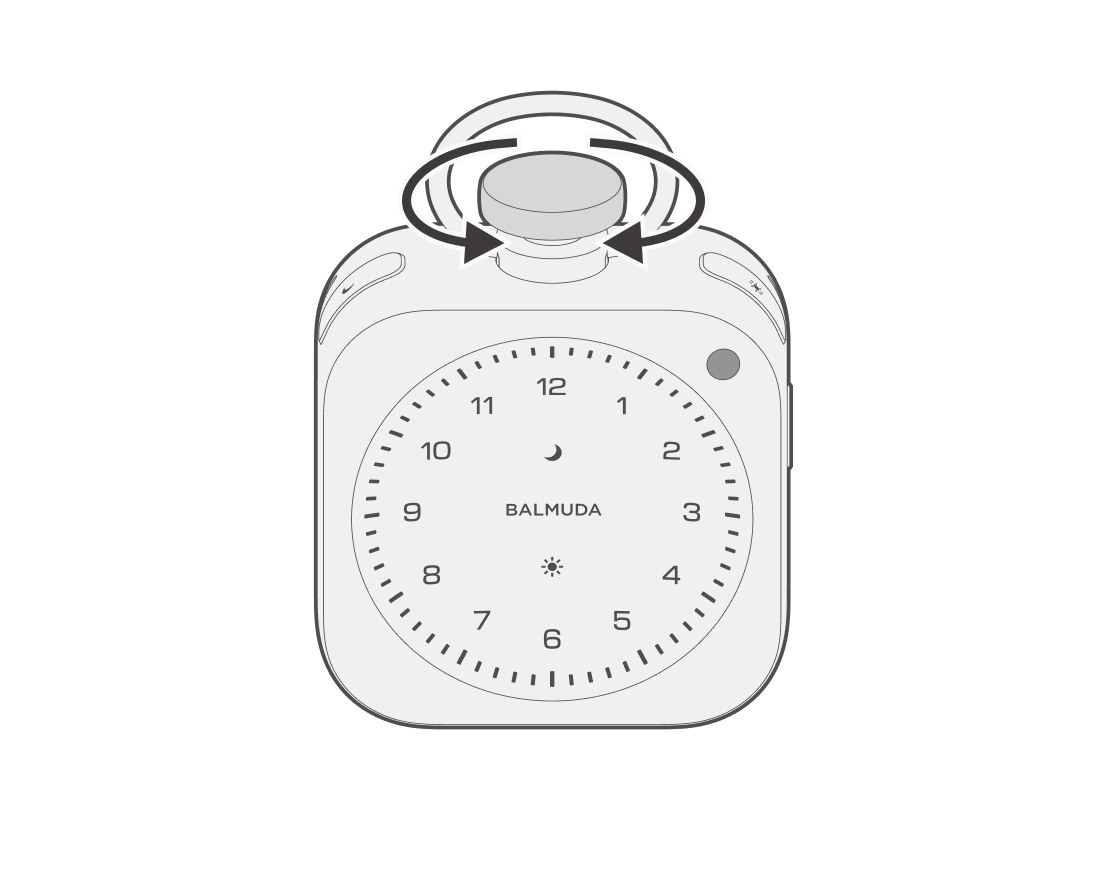
During Fade-in sound, you cannot Adjust volume from the main unit. You can do this only from the App.
Setting/canceling the Alarm
You can set the Alarm by setting the wake-up time using the steps below.
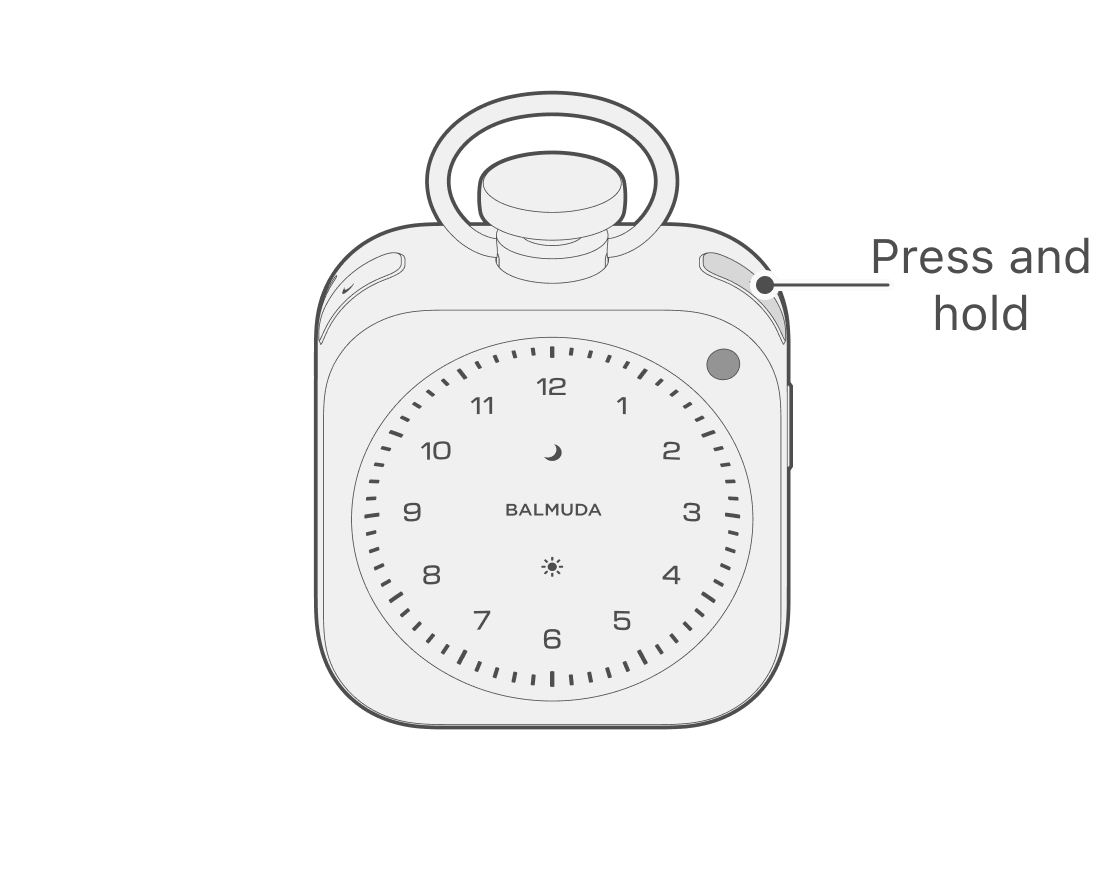
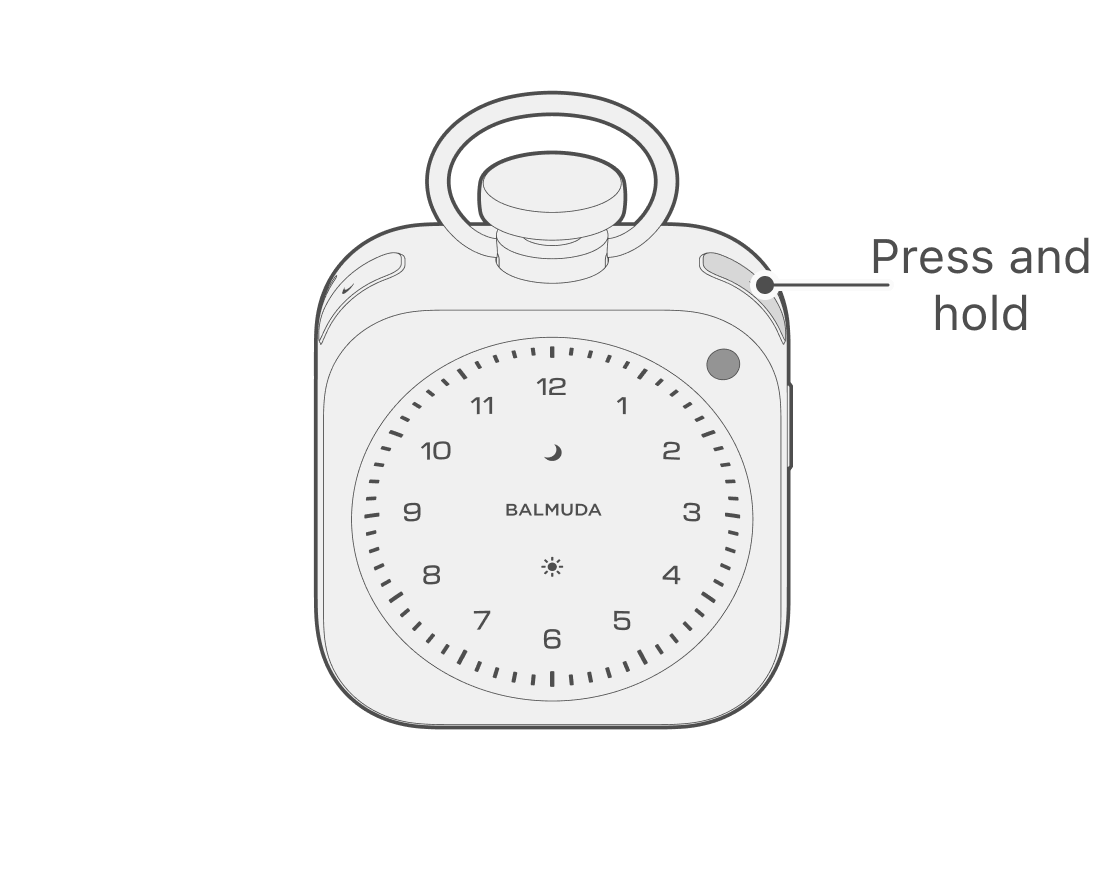
When the clock display or Relax Time is active, press and hold the Sun button; the Sun LED on the front of the main unit will slowly pulse, and it will enter setting mode.
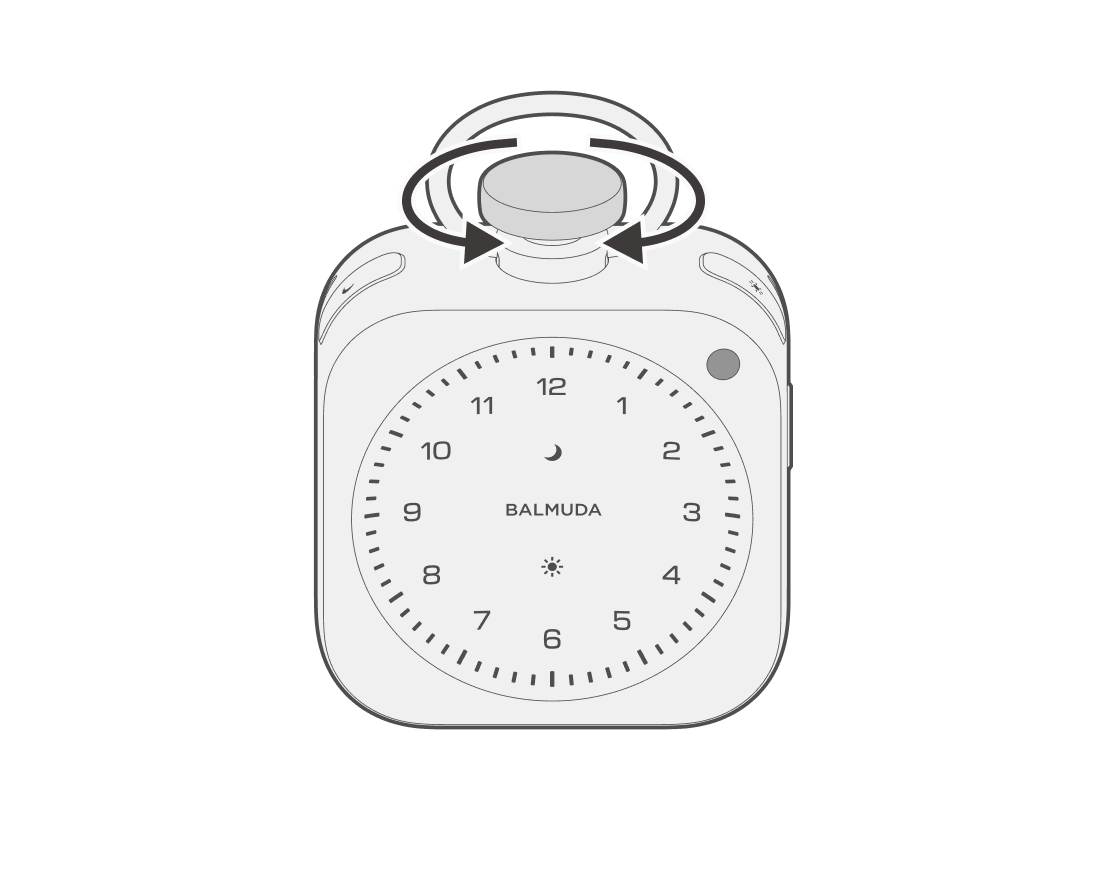
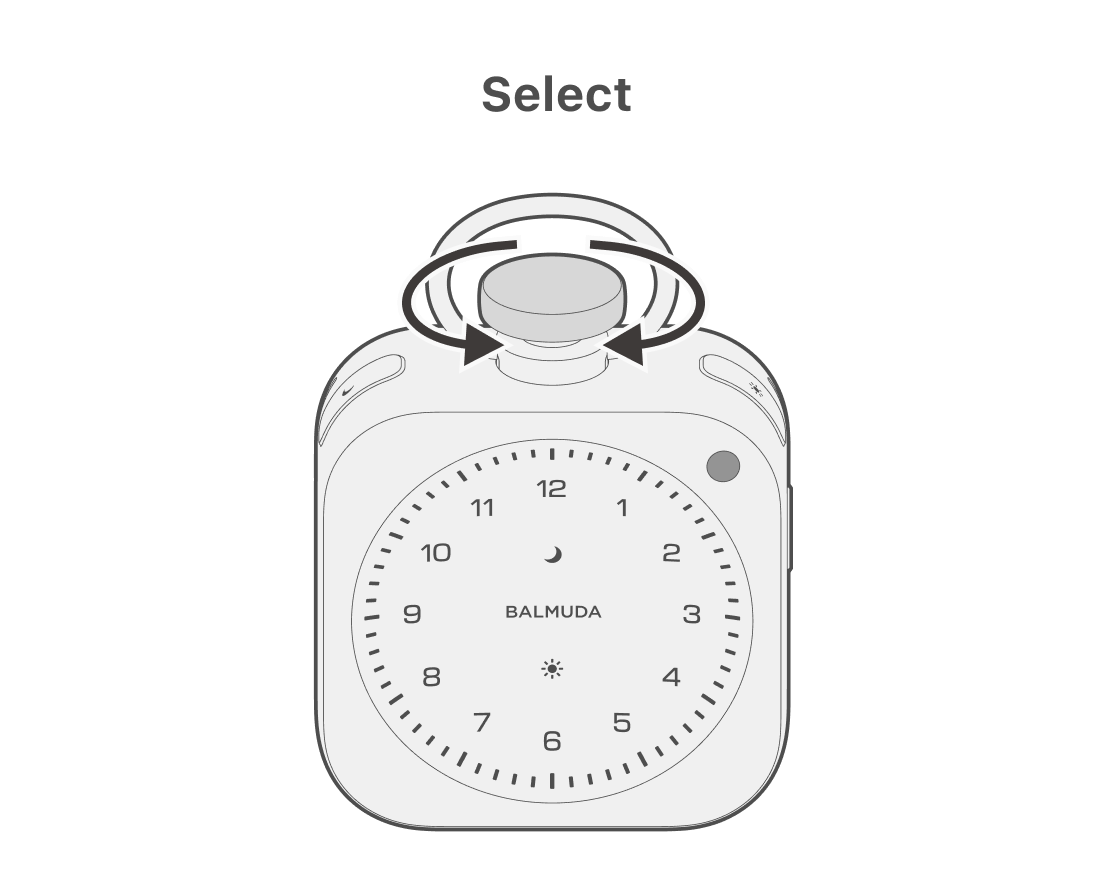
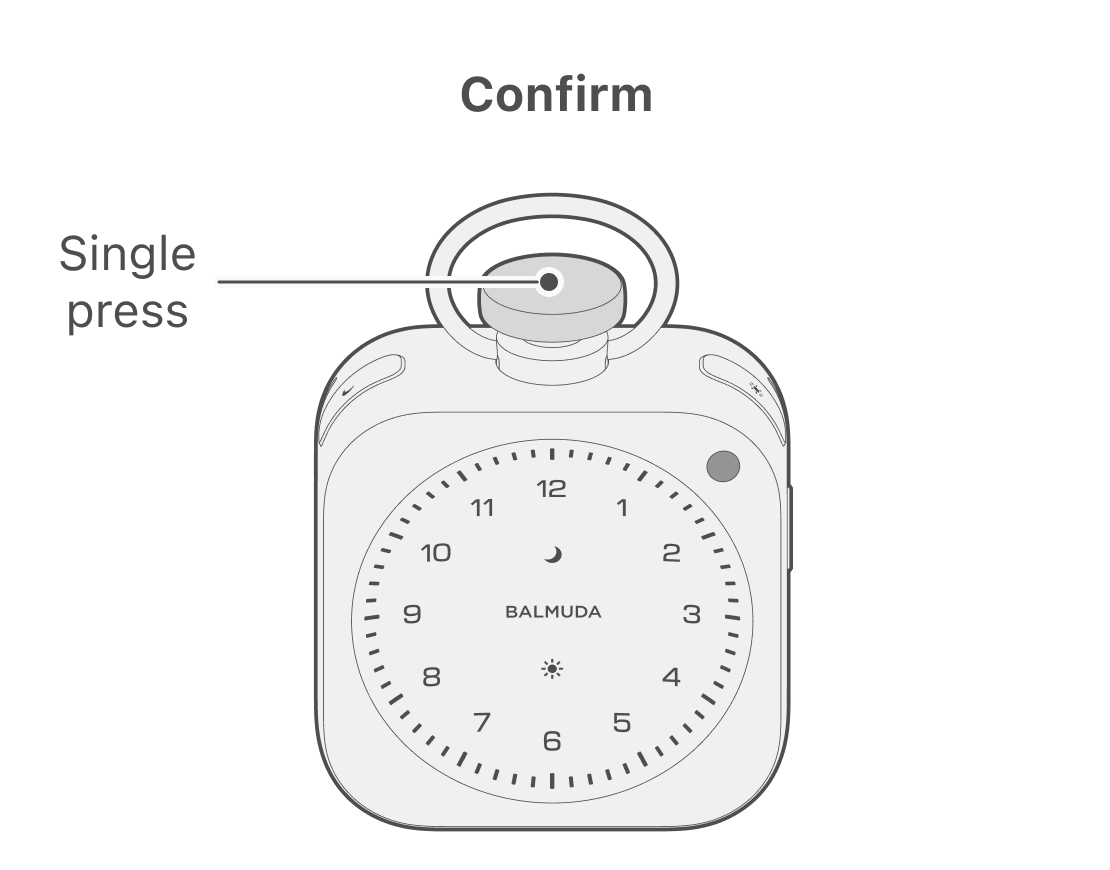
Turn the Crown to select “Hour,” then press the Crown to confirm “Hour.”
In AM, only the selected number blinks and the other numbers are Off. In PM, only the selected number blinks and all other numbers are On.
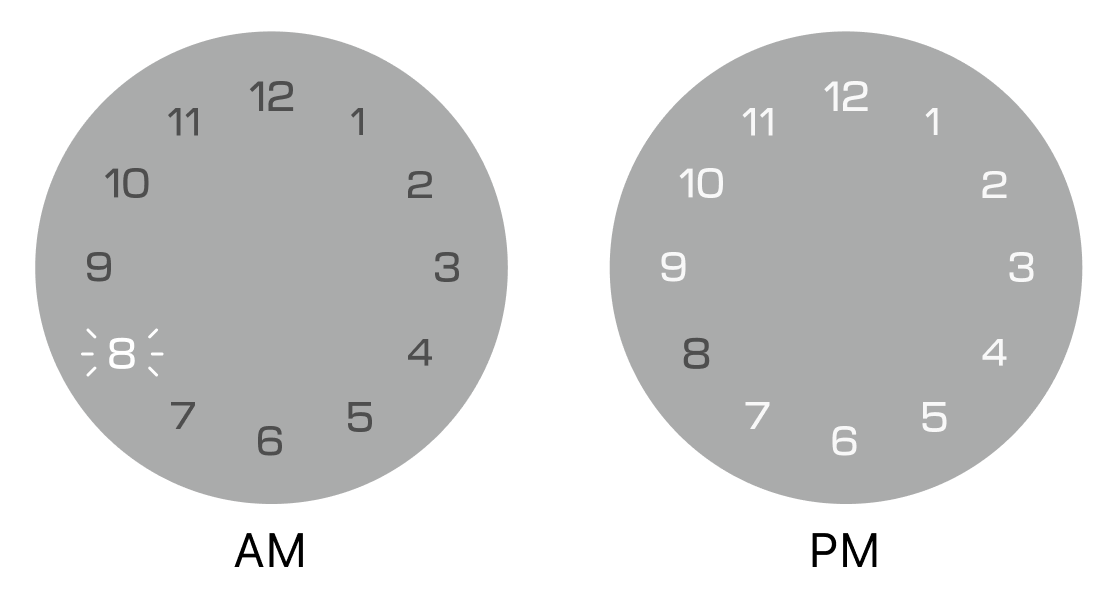
Set up the wake-up time based on the 24-hour format.
Turn the Crown to select the “Minute” you want to wake up, then press the Crown to set the Alarm. The Sun LED on the front of the main unit turns On, and it returns to the previous state.
When the Alarm is set, the Hourly signal is disabled.
Canceling the Alarm
To cancel the Alarm, press and hold the Sun button while the clock display is on, or while in Relax Time mode. When the Alarm is canceled, the Sun LED turns Off.
Checking the Alarm
You can check the alarm time and alarm sound.
Check the alarm time
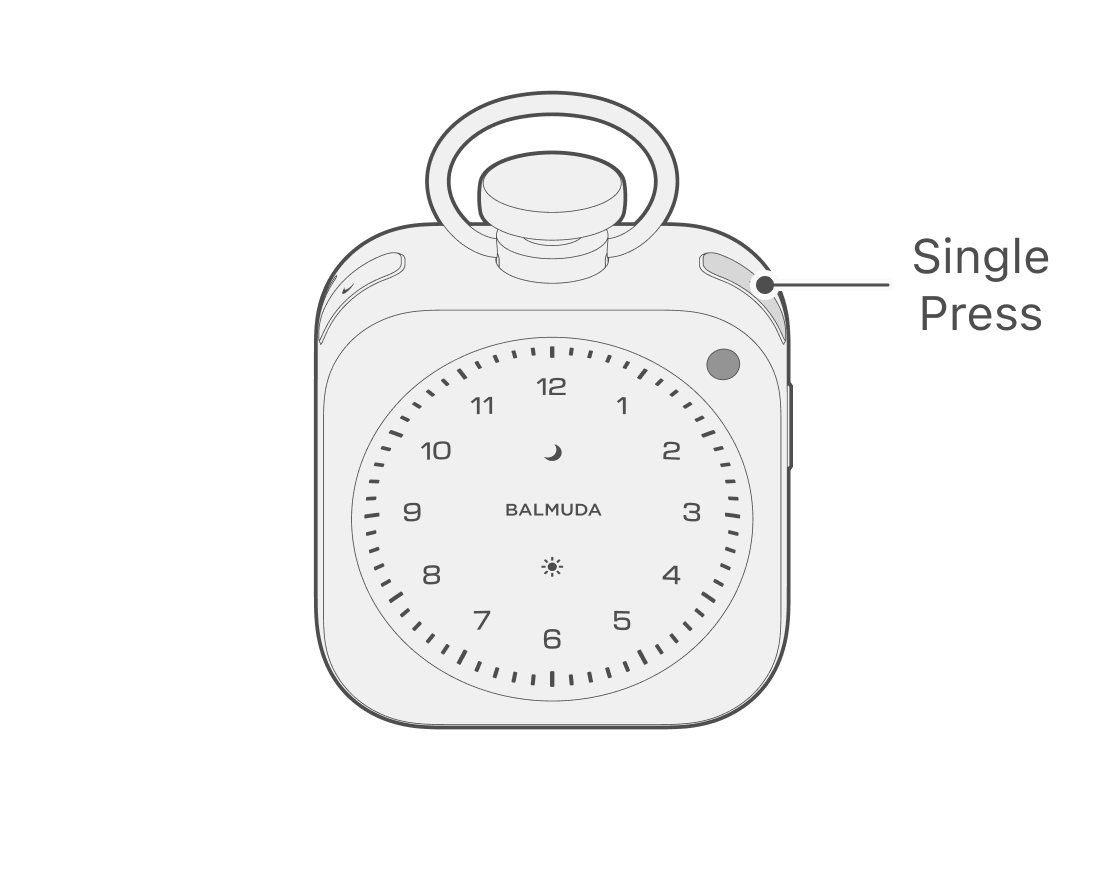
When the clock display is shown, press the Sun button once; the Sun LED on the front of the main unit will pulse, and you can check the set alarm time.
Checking the alarm sound
When the clock display is shown, press the Sun button twice; the Sun LED on the front of the main unit will pulse, and you can check the alarm sound and alarm time. While checking, you can change the sound volume by turning the Crown.
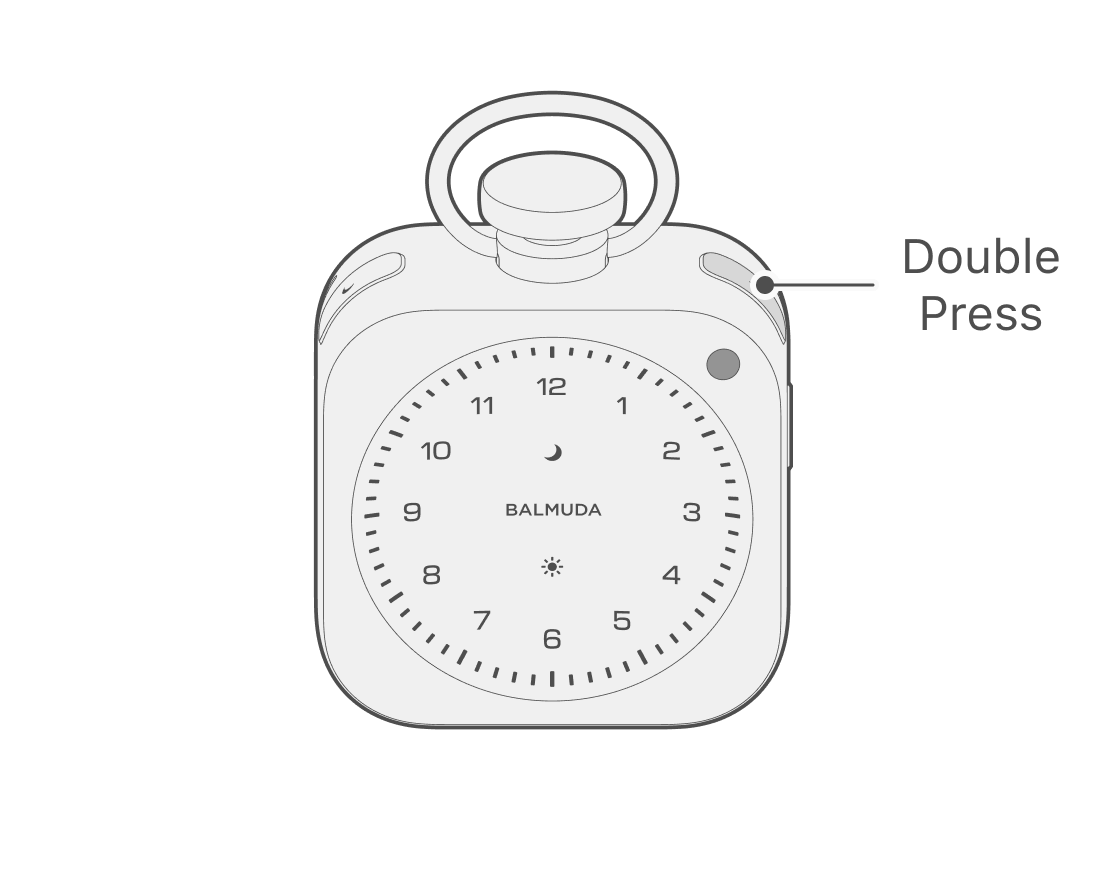
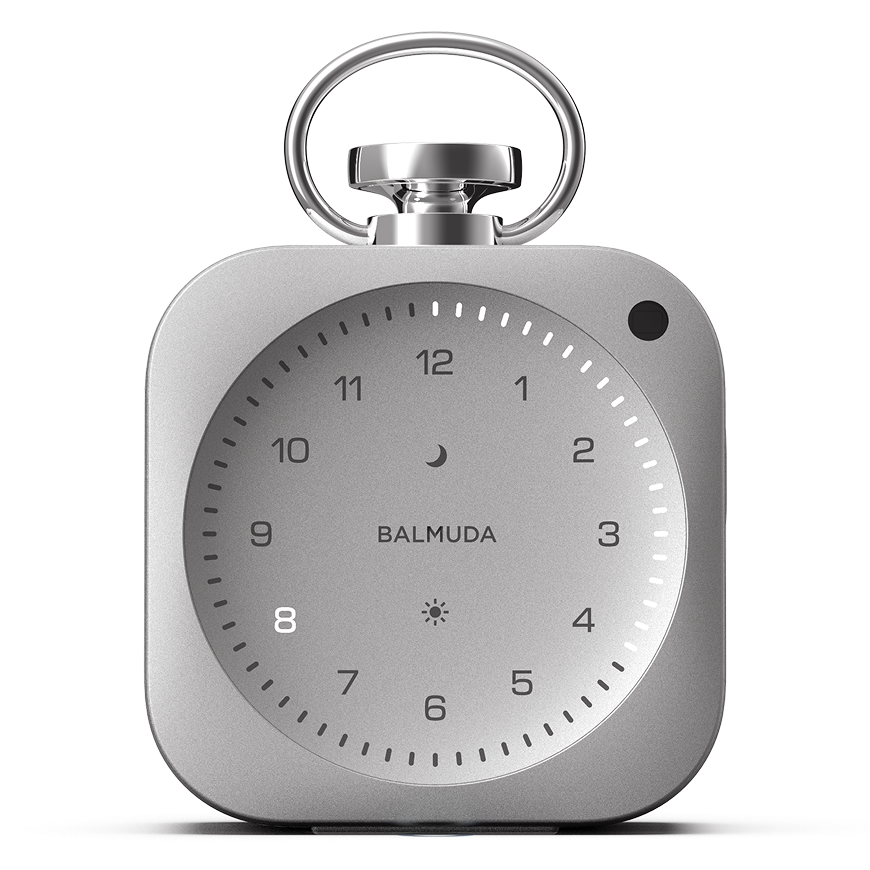
When checking the alarm time, the way the numbers light up is inverted for PM. Example) 8 PM: all numbers except 8 light up, and only 8 is blinking.
Setting the Alarm from the App
Setting Alarm presets
In the App, you can set up to three preset times and switch the wake-up time with a single tap. When you add the product, the alarm time set on the main unit is registered as the first preset.
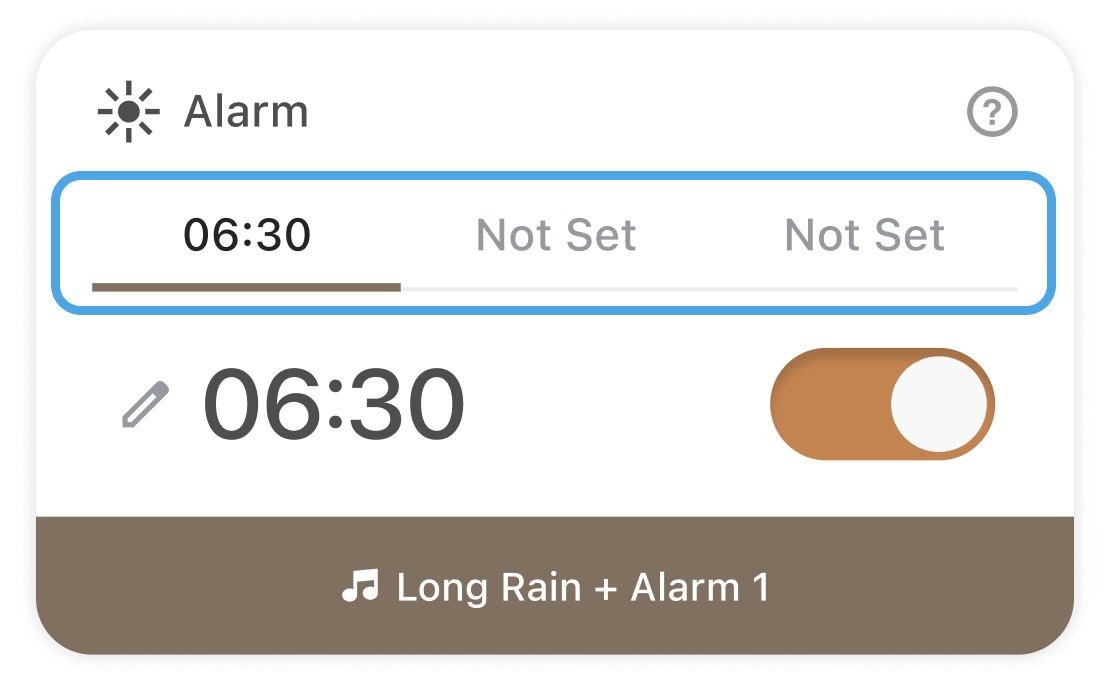
Only one alarm time can be set on the main unit.
For example: Preset 6:00, 7:00, and 8:00.
If you select 6:00 and set the alarm, only 6:00 will sound.
Setting/canceling the Alarm
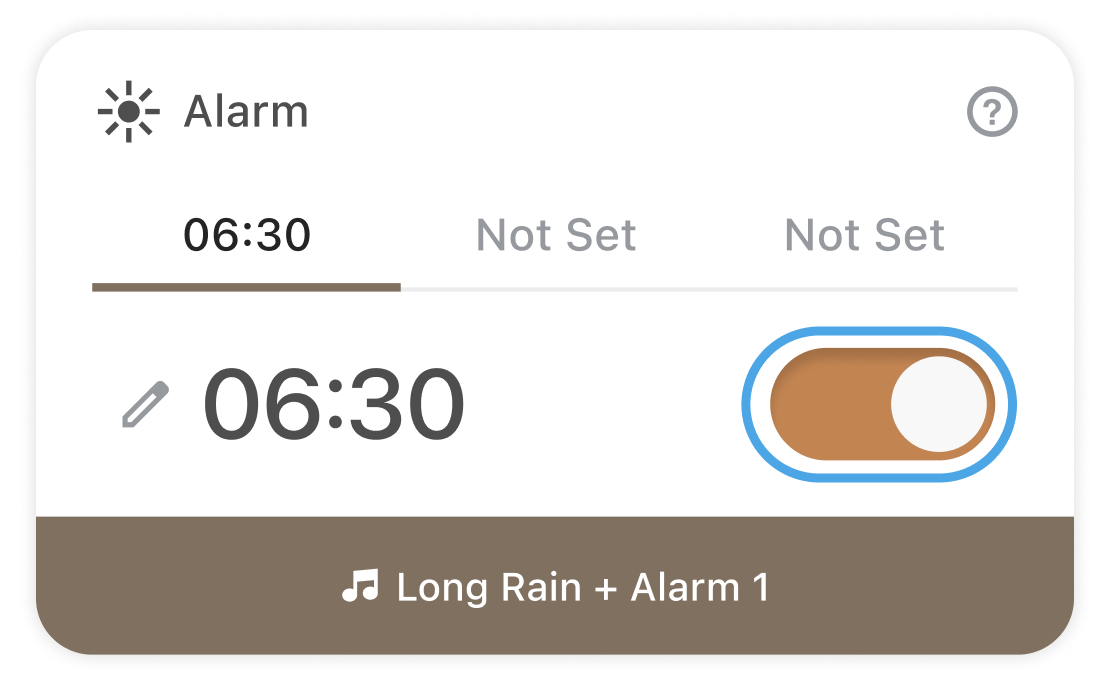
To toggle the Alarm on/off in the App, tap the toggle to the right of the Alarm. Orange indicates set, and gray indicates canceled.
Selecting Sound settings
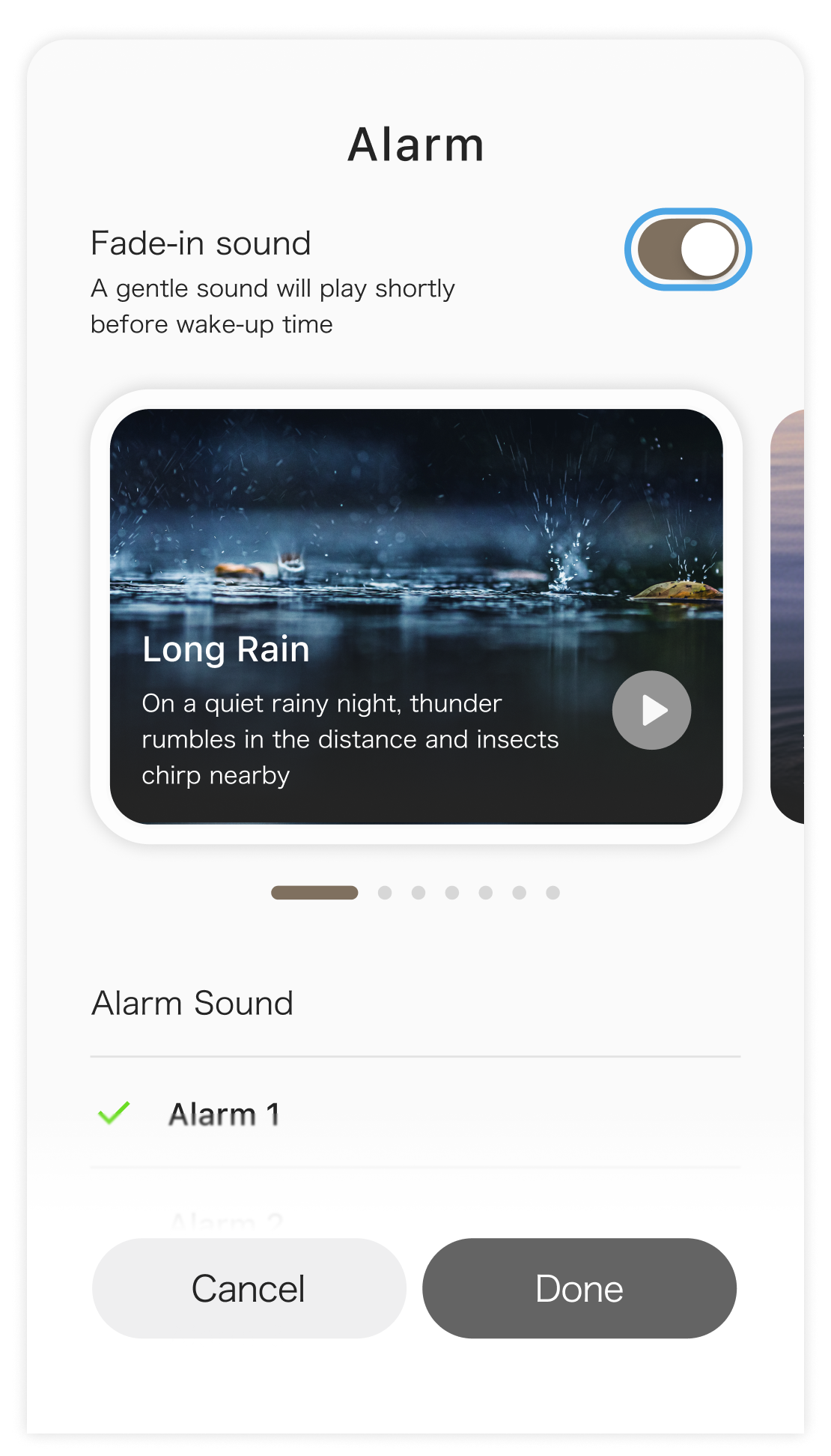
You can select the alarm sound only from the App.
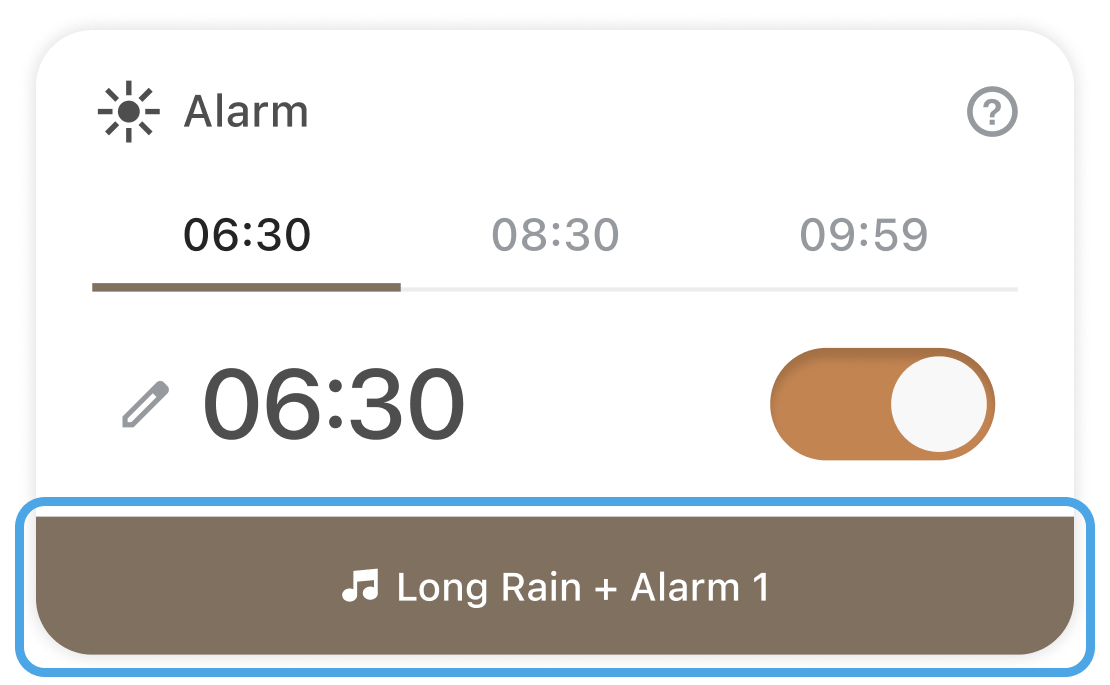
The initial settings are Fade-in sound set to “Milan” and the alarm sound set to “Alarm 1.”
Enabling/disabling Fade-in sound
You can turn Fade-in sound on/off in the App. *Initial setting: On
Switching the time display
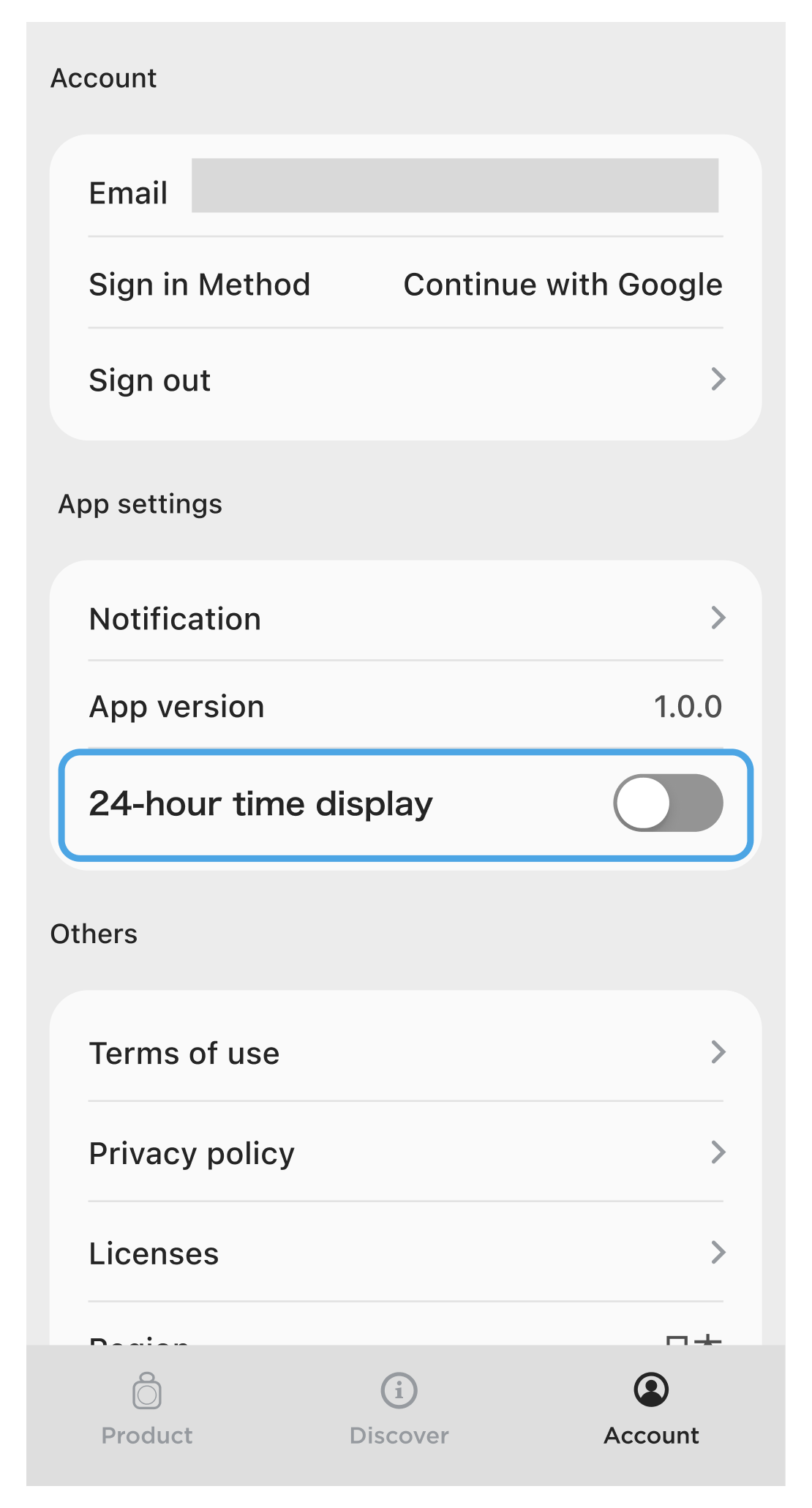
In the App, you can switch the alarm time display between 24-hour format and 12-hour format.
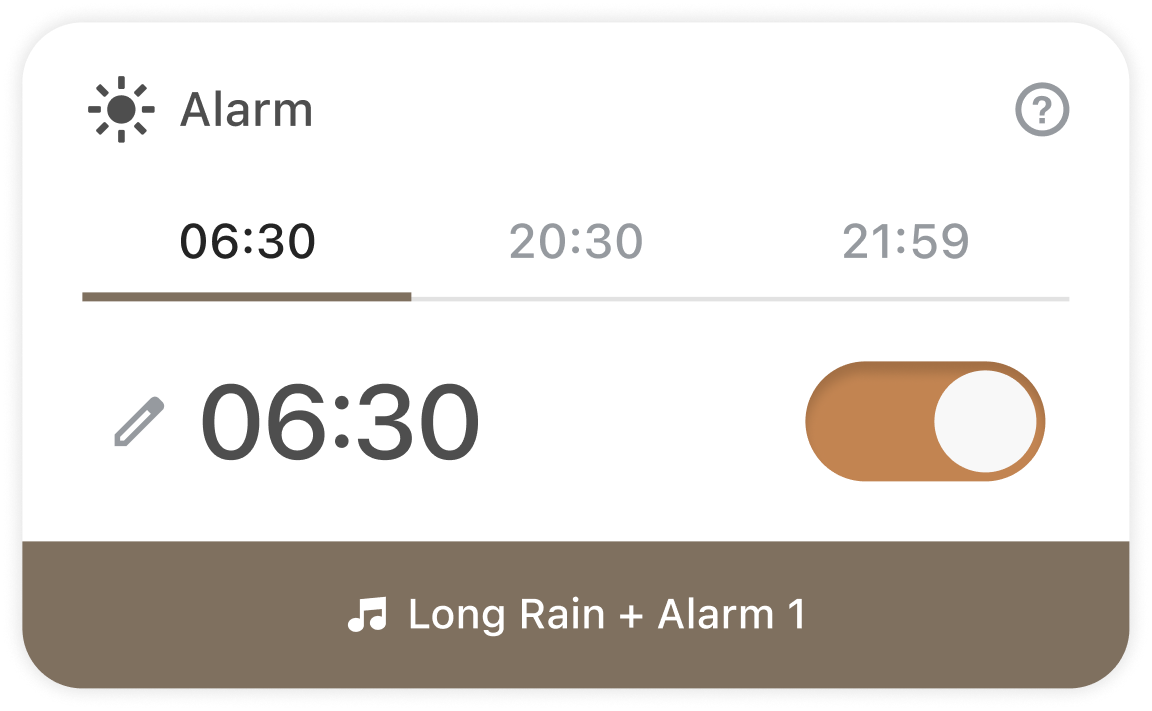
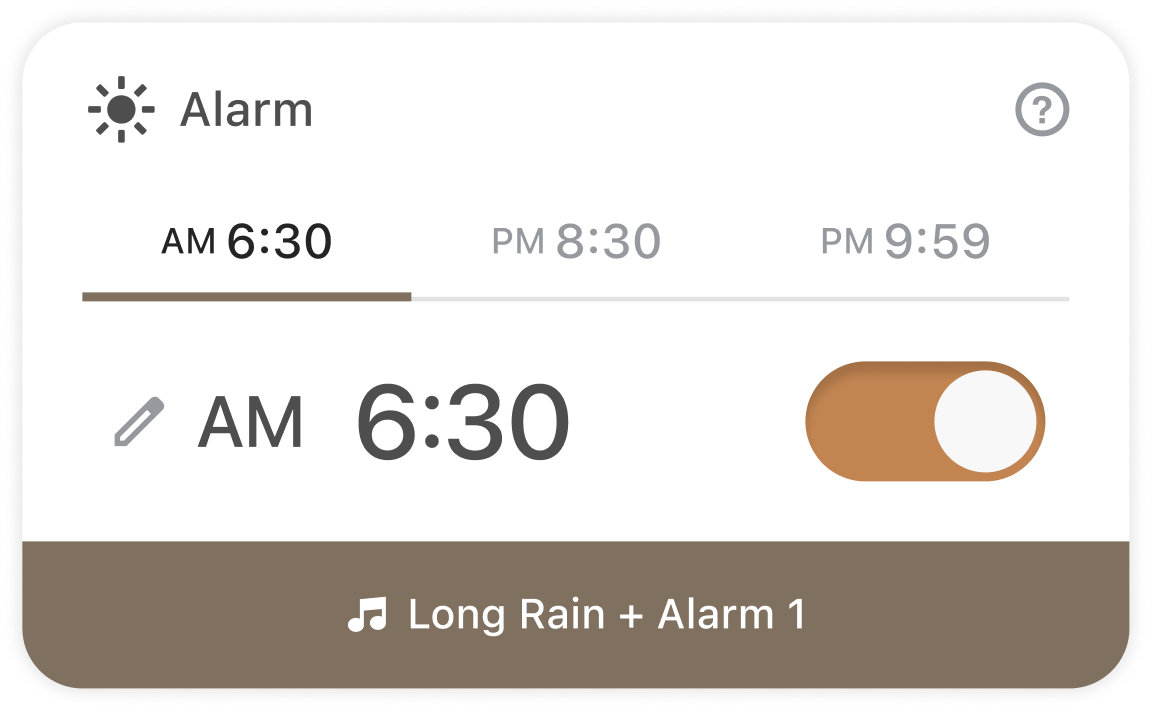
You can change the setting in “Account” under “24-hour format.”