
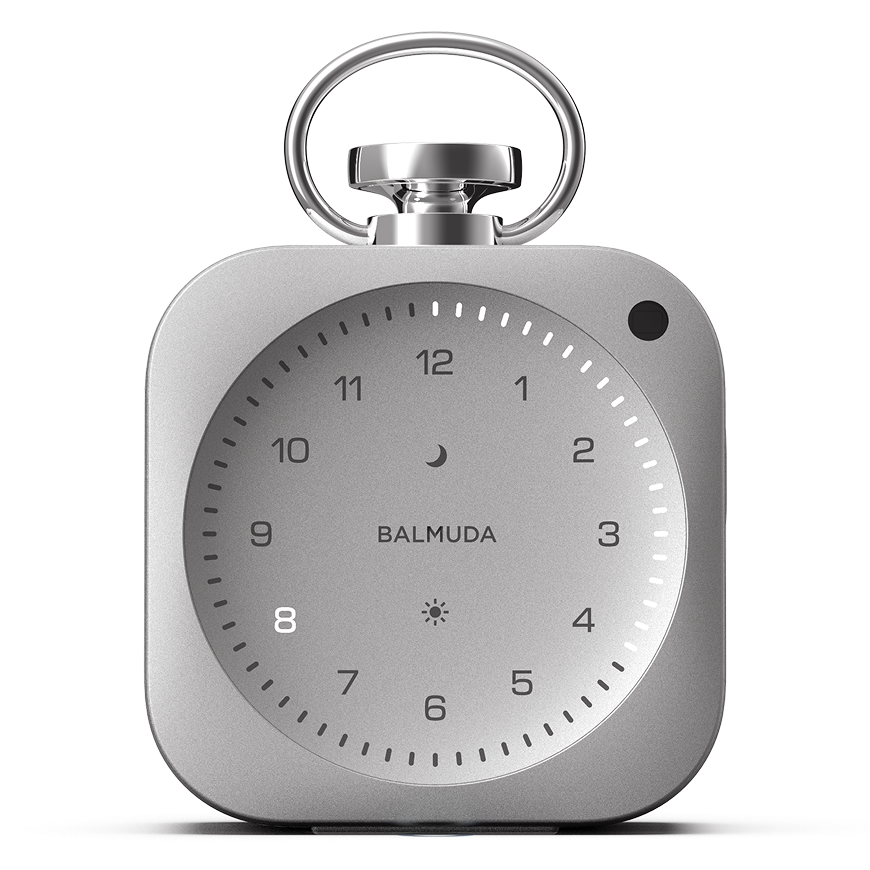


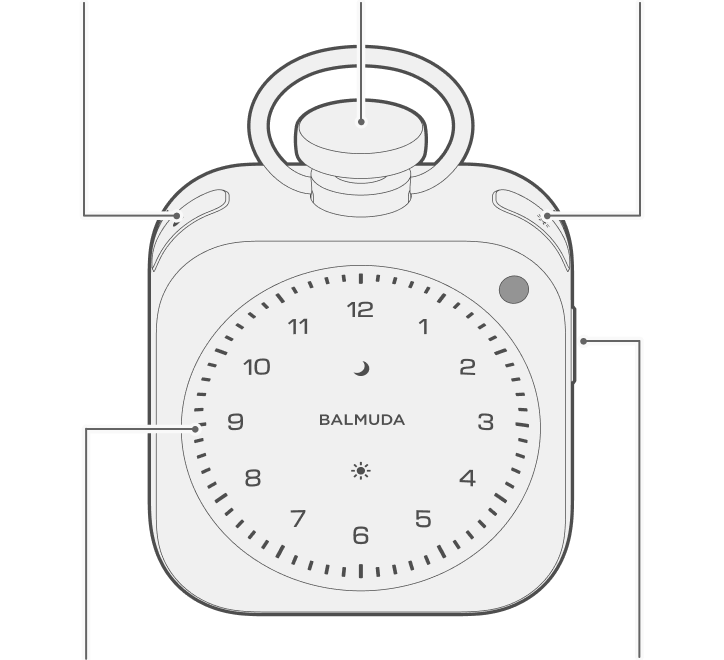
Functions of Each Button
Press  or
or  to check the setting of the function.


Operations by mode

|
Pairing mode
|
|---|
| Crown |
Brightness Adjustment
Switch time setting to second time zone
Change Light Hour display style
|
|---|---|
|
|
Set / Cancel Alarm
Check Alarm Time
Preview Alarm Sound
|
|
|
Play Relax Time
Set / Cancel Night Routine |
|
|
Set / Cancel Timer
Check Battery Level
|
| Crown |
Adjust Sound Volume
Switch Time Display
Change Sound
|
|---|---|
|
|
Set / Cancel Alarm
|
|
|
Stop Relax Time
Set / Cancel Night Routine |
| Crown |
Adjust Sound Volume Switch Time Display Advance / End End |
|---|---|
|
Set / Cancel Alarm Check Alarm Time Preview Alarm Sound |
|
Check Bedtime Cancel Night Routine |
|
Check Battery Level |
| Crown |
Select Minute/Second
Next / Confirm
|
|---|---|
|
|
Cancel Alarm Setting
Advance / Confirm
|
| Crown |
Select Minute/Second
Next / Confirm
|
|---|---|
|
|
Cancel Timer
|
Multiple Button Operations
|
|
Power On / Off
|
|---|---|
|
Crown
|
Adjust Time (while clock is displayed)
|
|
|
Reset (while powered off)
|