

About The Clock Display
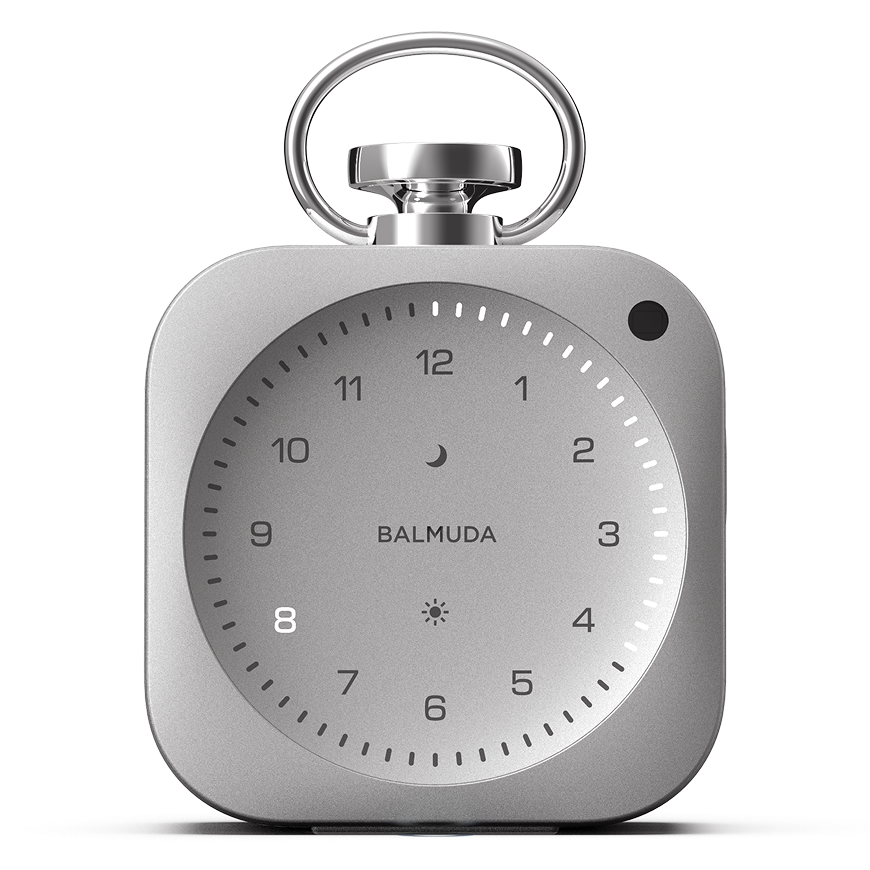
The current “Hour” is indicated by the Hour LED, and the current “Minute” is indicated by the Minute LED. On The Clock, this LED-based clock display is called Light Hour.
Time display (Light Hour) style
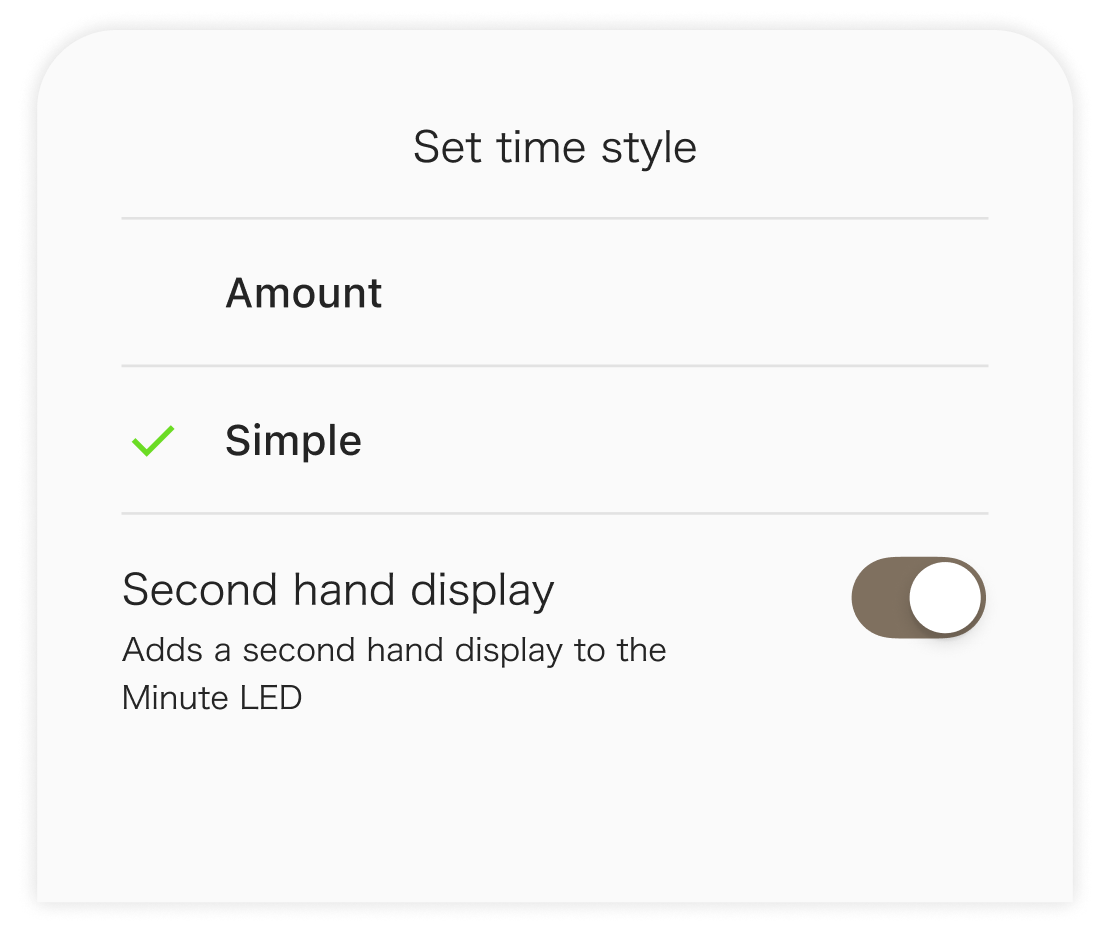
You can choose between two Light Hour display styles: “Amount (default)” and “Simple.” You can change the display style from the main unit and the App.
Amount (default)
In this style, the Minute LEDs light up from the 12 o’clock position on the Hour LED to the current time.
Simple
In this style, only the Minute LEDs for the current time light up.
Show/Hide the Second hand
Only in the App, you can switch the second hand display on/off. *Default: On
Brightness adjustment
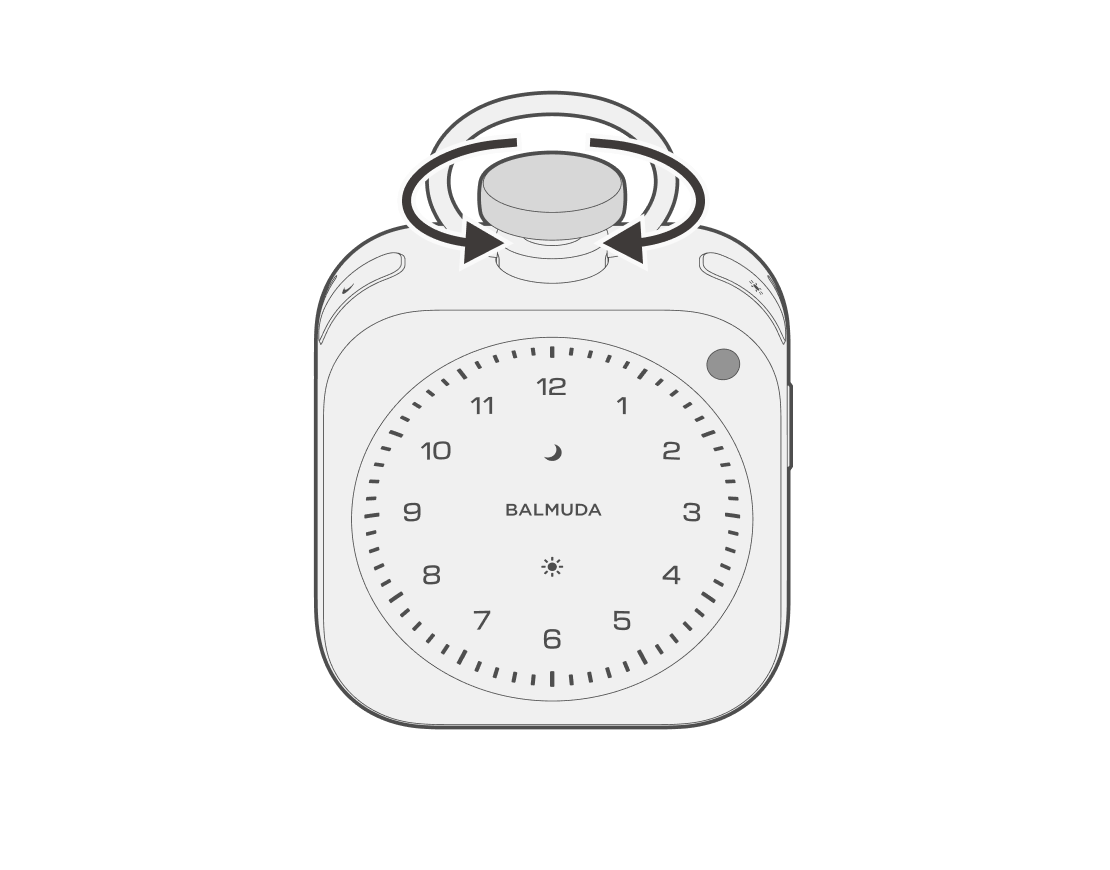
In the clock display state, rotating the Crown clockwise makes the clock display brighter, and rotating it counterclockwise makes the clock display dimmer.
Changing the Light Hour style
Operation on the main unit
In the clock display state, you can switch the Light Hour Style by double click the Crown.
Operation in the App
In the App, you can configure the Light Hour Style and turn the second display on/off.
Tap “Light Hour Style” on the main screen to go to the style settings screen.
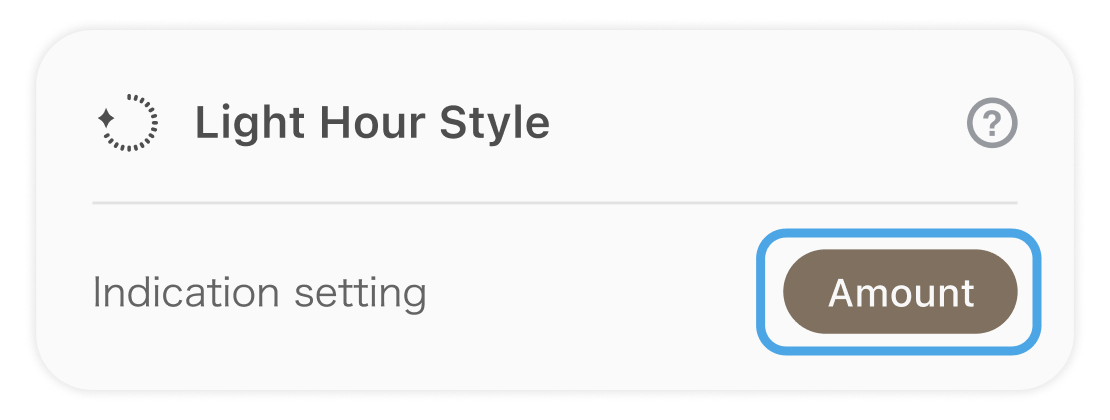
You can select a style.